

Retouch in seconds.

Three AI plugins for Photoshop — Heal, Dodge & Burn and Portrait Volumes.

One click. Professional result.

Upload to the cloud. Or work locally.

Cloud solutions

Upload. Waiting. Limits.

  • From $116 for the plugin set — one-time purchase, no flexibility
  • Photos uploaded to a third-party server
  • Waiting in the processing queue
  • From $0.10 per shot or a plan limit
  • Client data privacy concerns
  • And still manual touch-ups afterwards
HAPPYIN.AI

Opened Photoshop — Done.

  • Opened the photo in Photoshop
  • Pressed Apply
  • AI processed it in seconds
  • Skin texture preserved — no plastic effect
  • Client photos never leave the computer
  • 500 wedding photos — batched. No limits!

Happyin.ai — local. fast. no limits.

1

Photoshop plugin — free!

Download and install in one click. Works right inside Photoshop — no separate apps.

x2+

Cheaper than the Retouch4me cloud plan

Their cloud — from $20/mo for 200 photos or $0.10/shot. Ours — three plugins, unlimited, local — for $10/mo. (As of April 2026. Source: retouch4me.com)

3

Plugins in one subscription

Heal, Dodge & Burn and Portrait Volumes — full arsenal for professional retouching at a fixed price.

100%

Your photos never leave your computer

No server uploads. All processing happens on your device. Client files stay private.

Heal

Clean skin.
No traces of work.

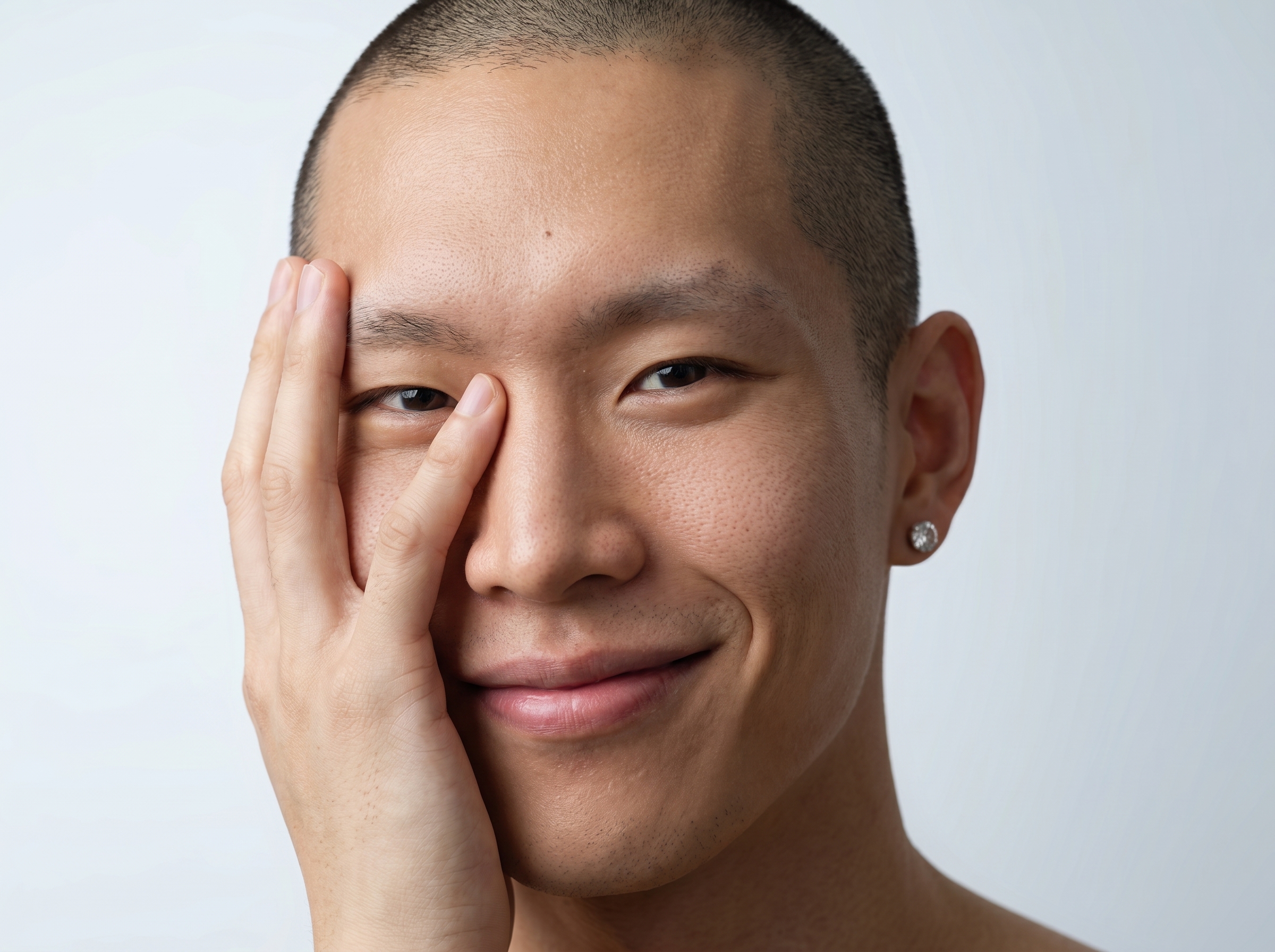
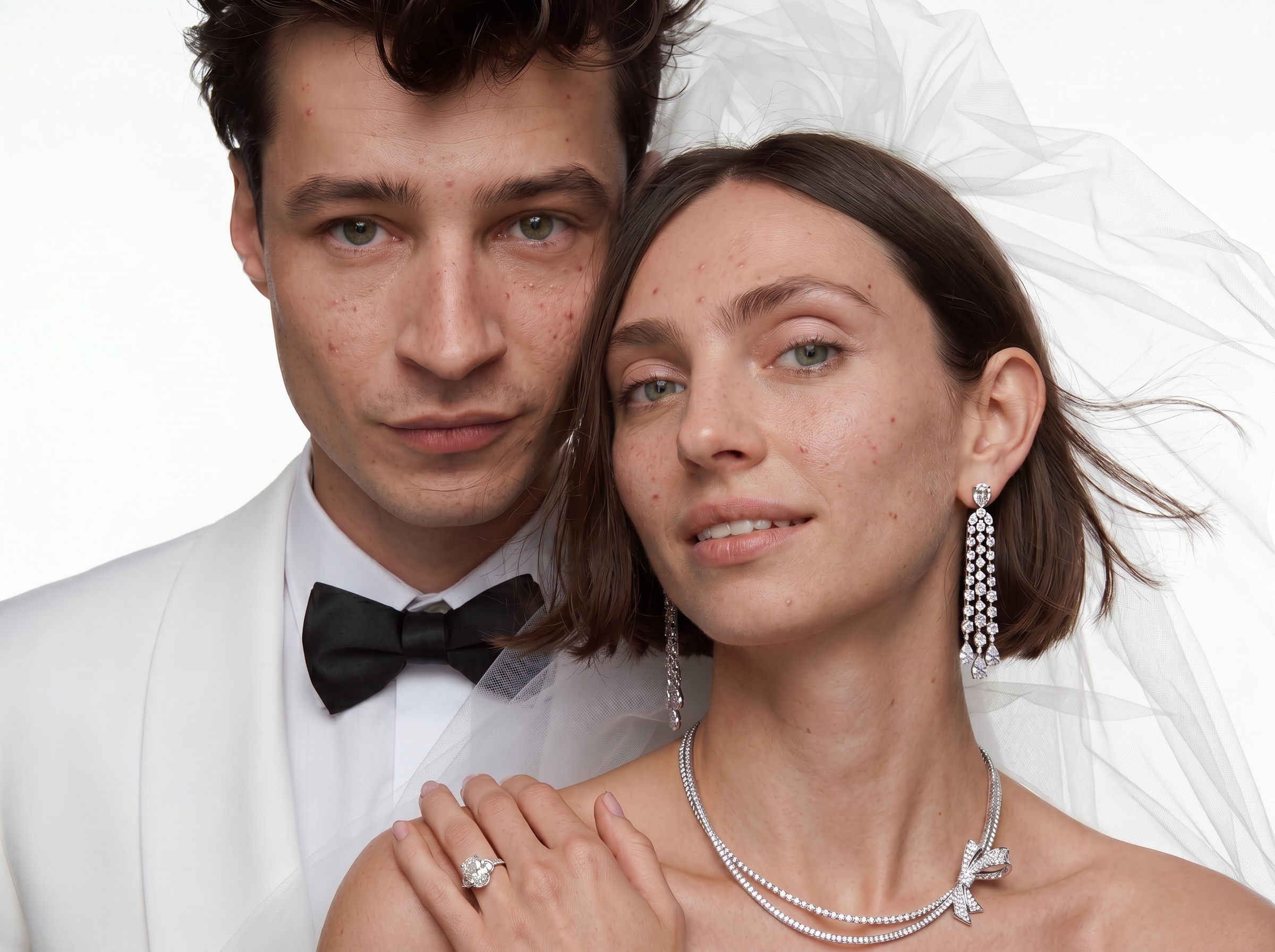
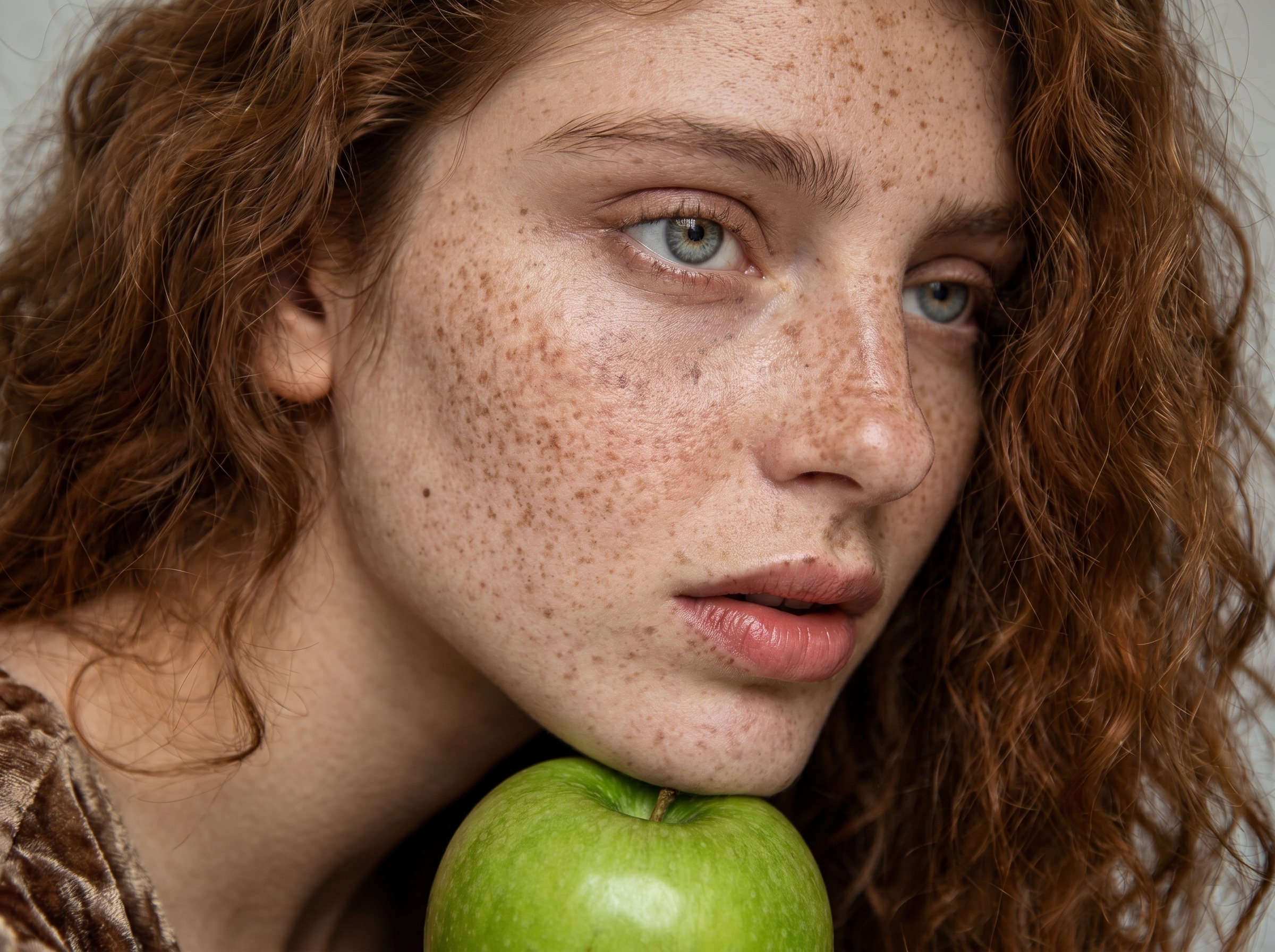
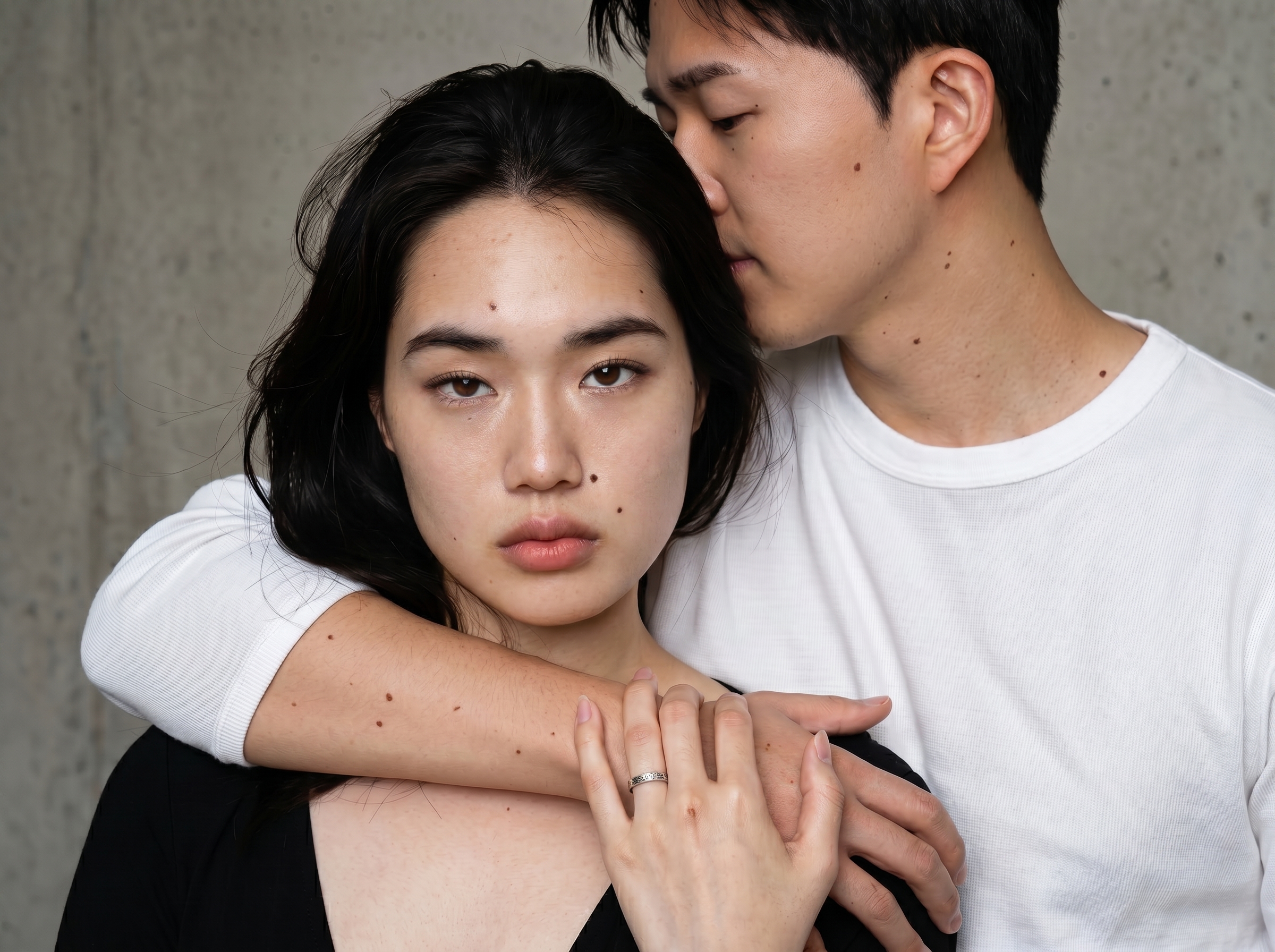
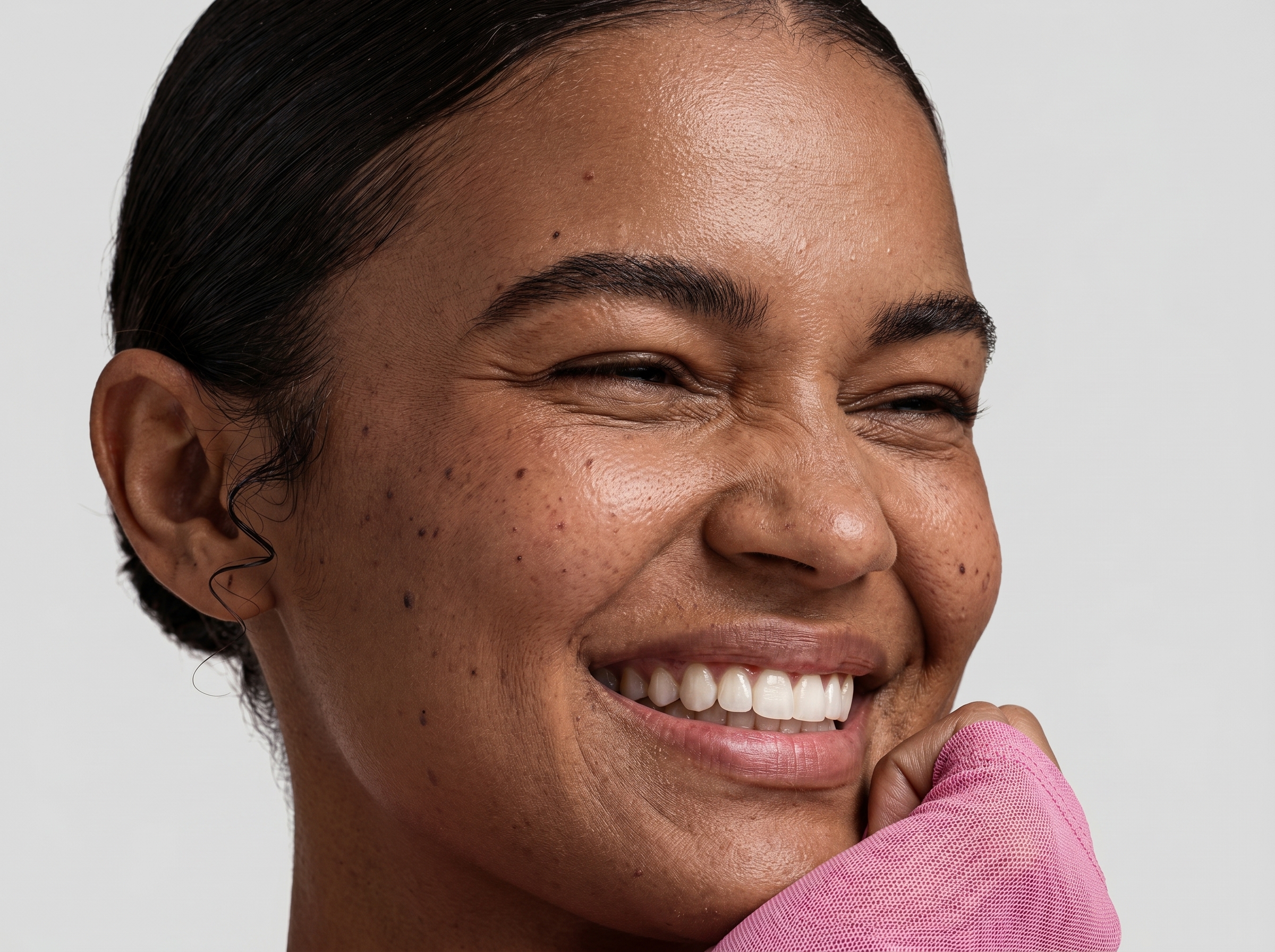
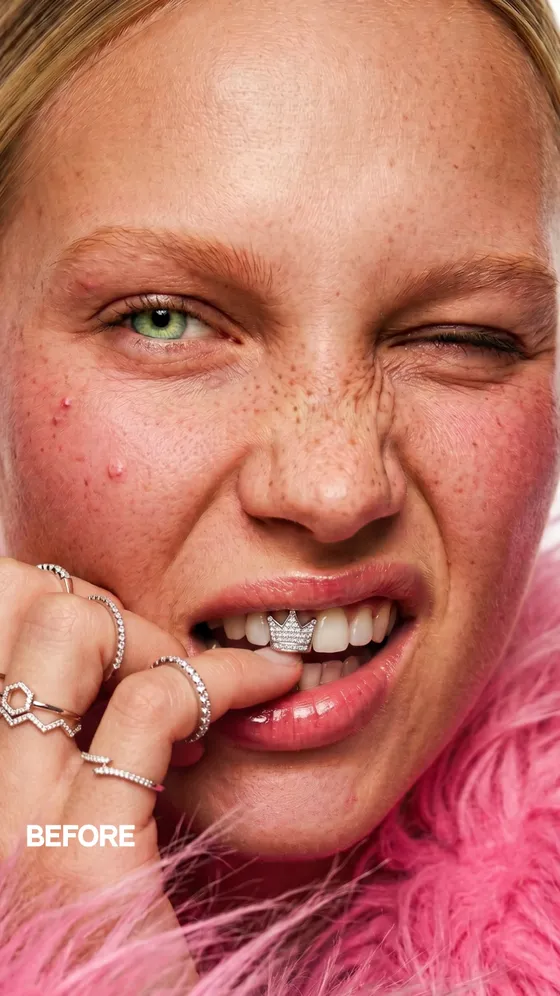
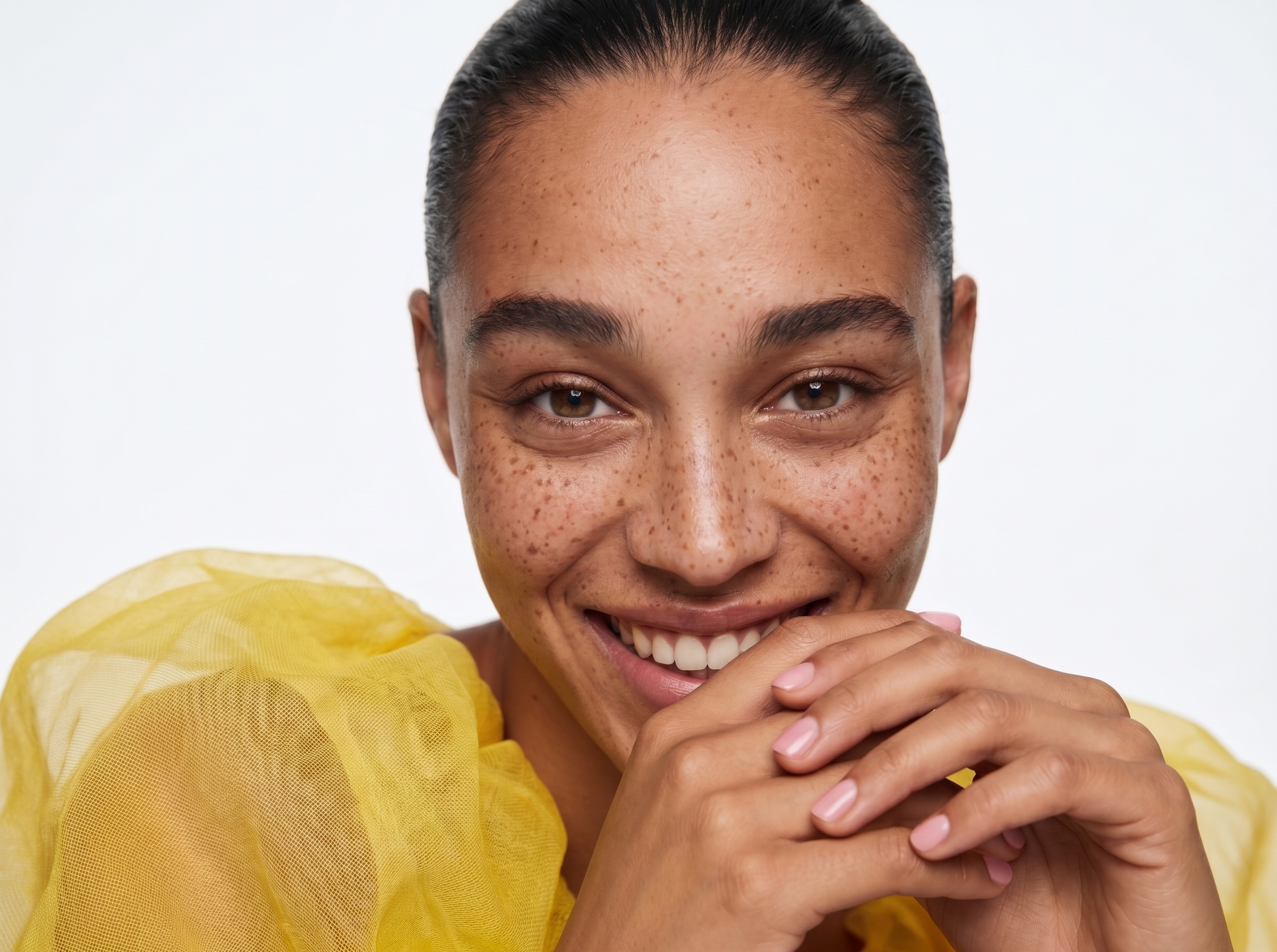
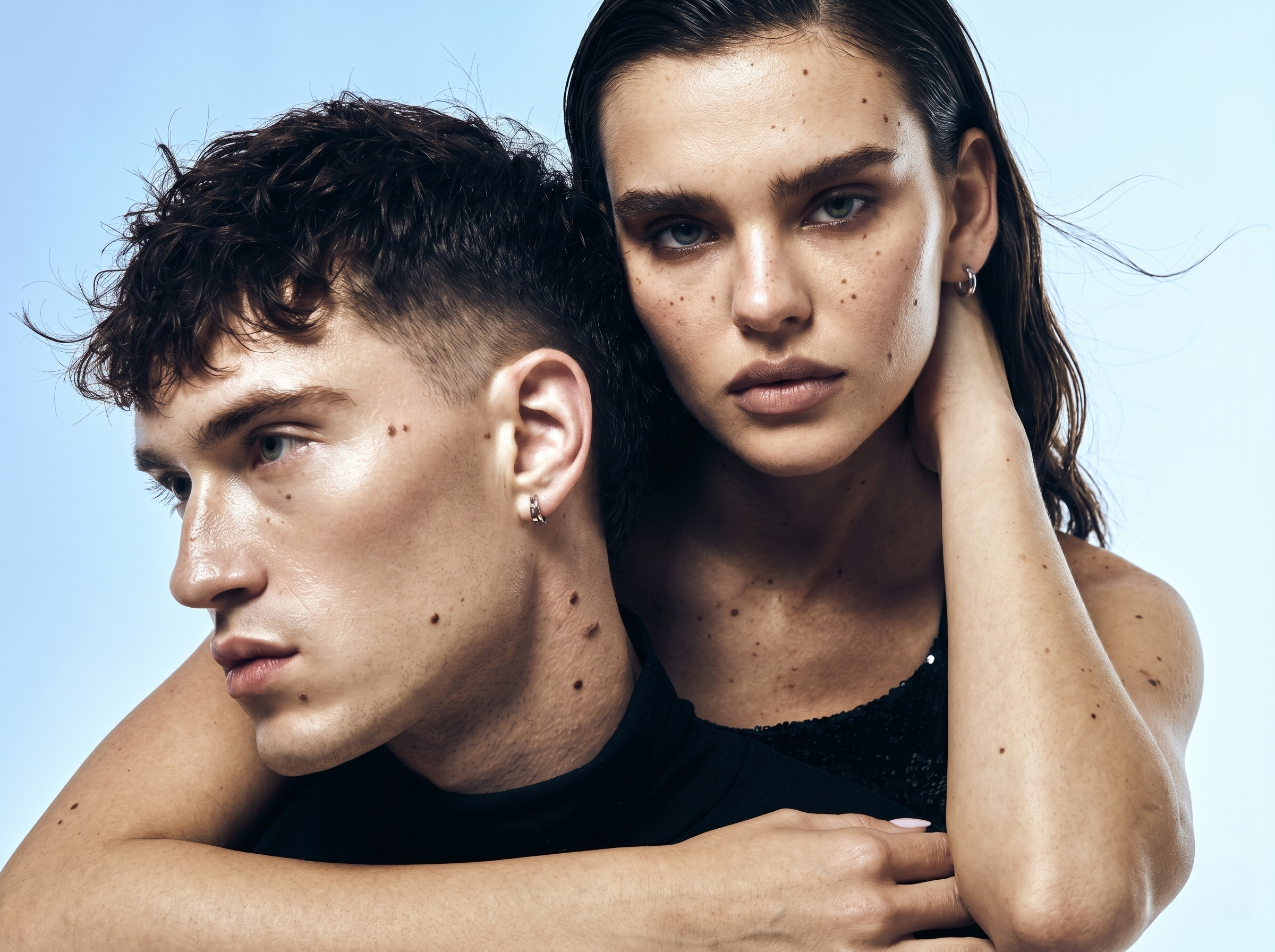
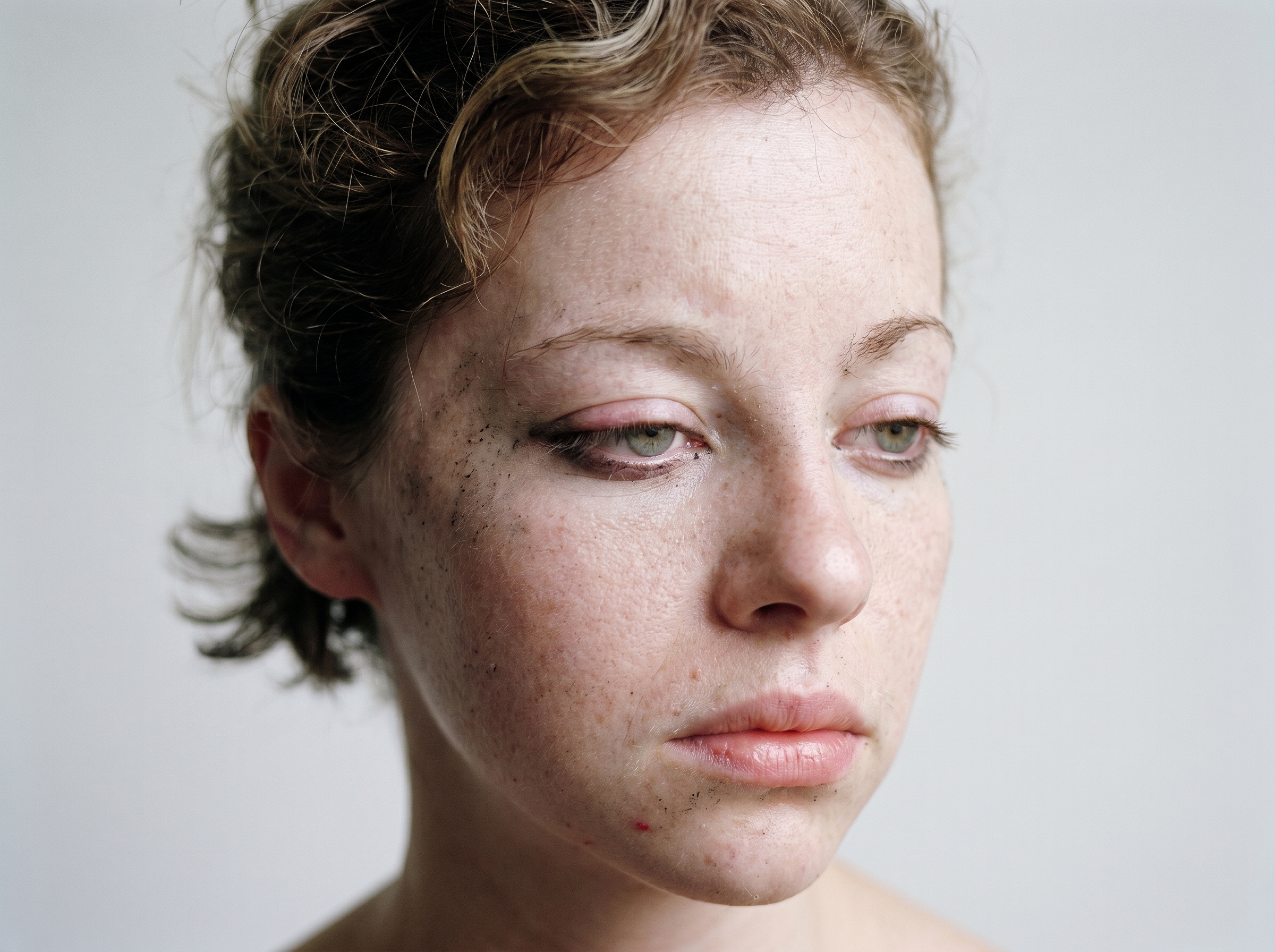
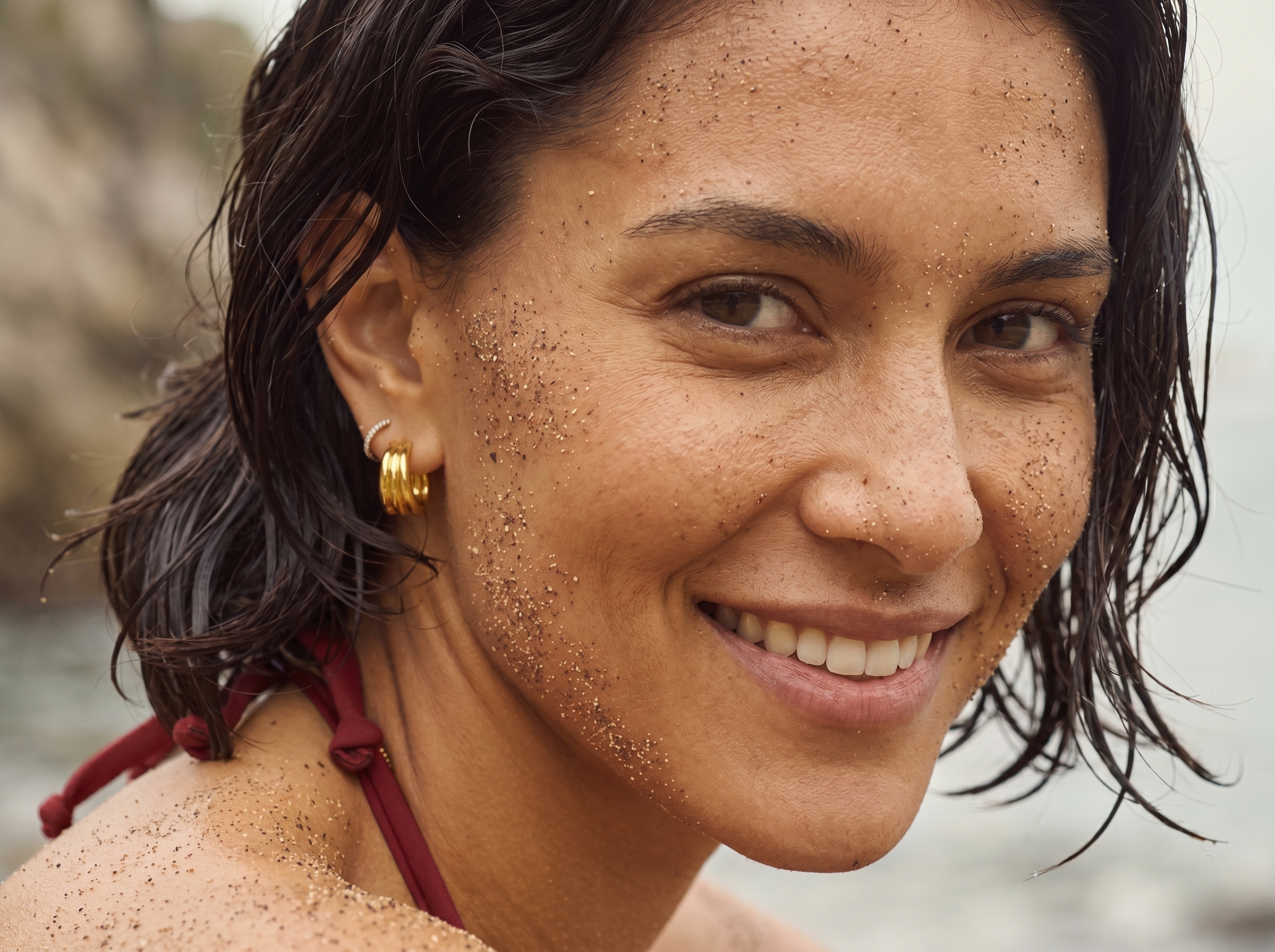
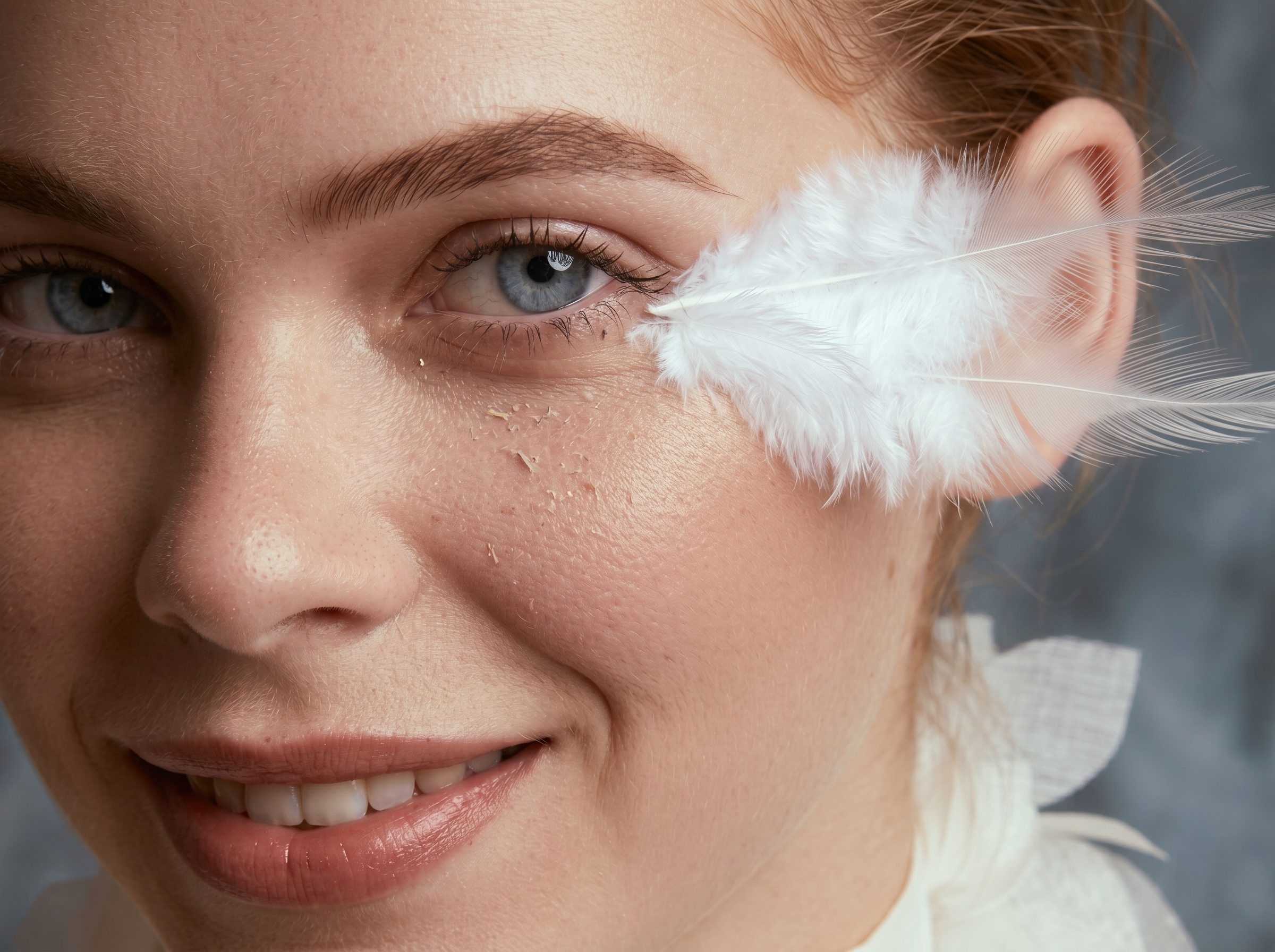
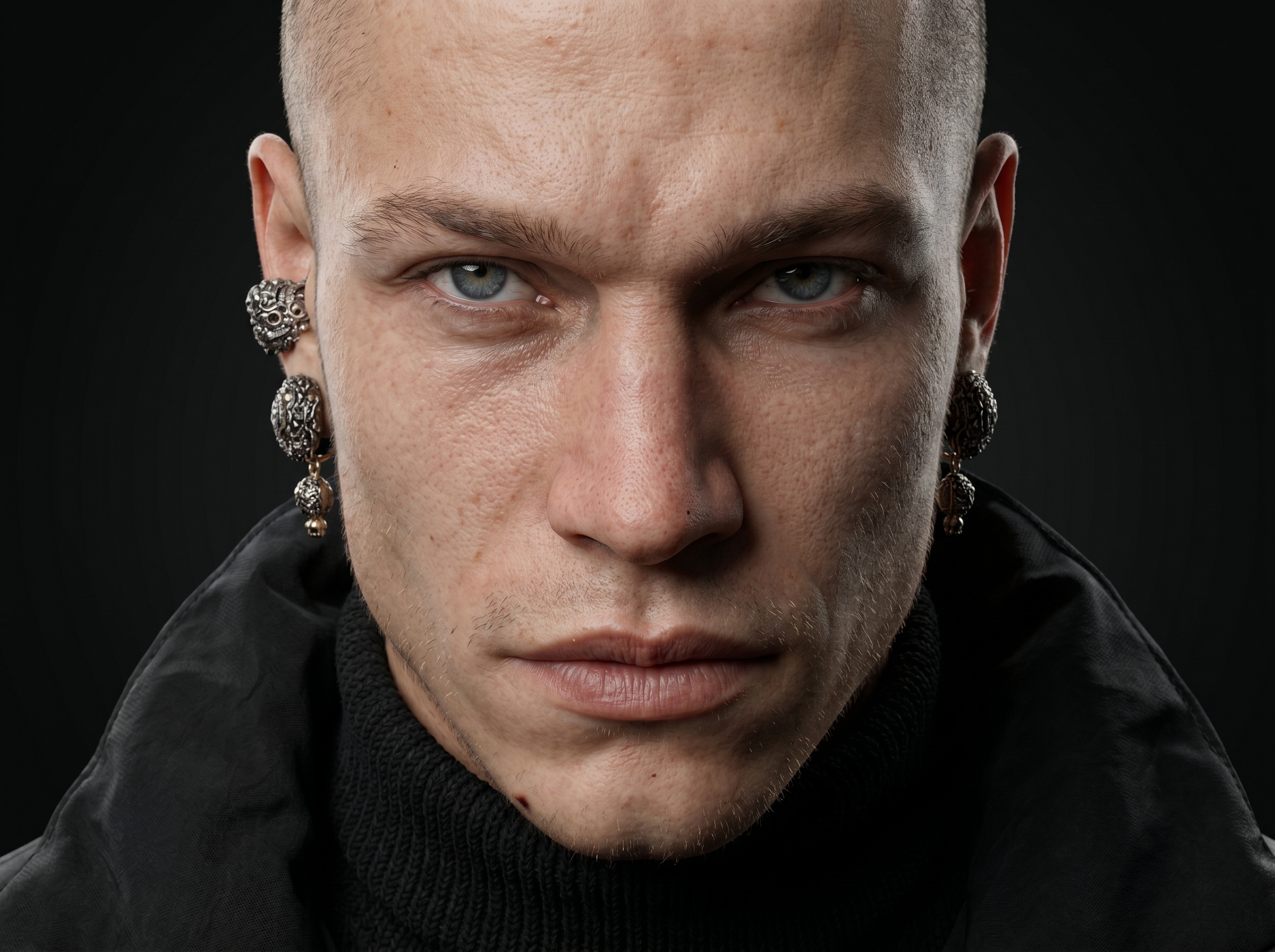
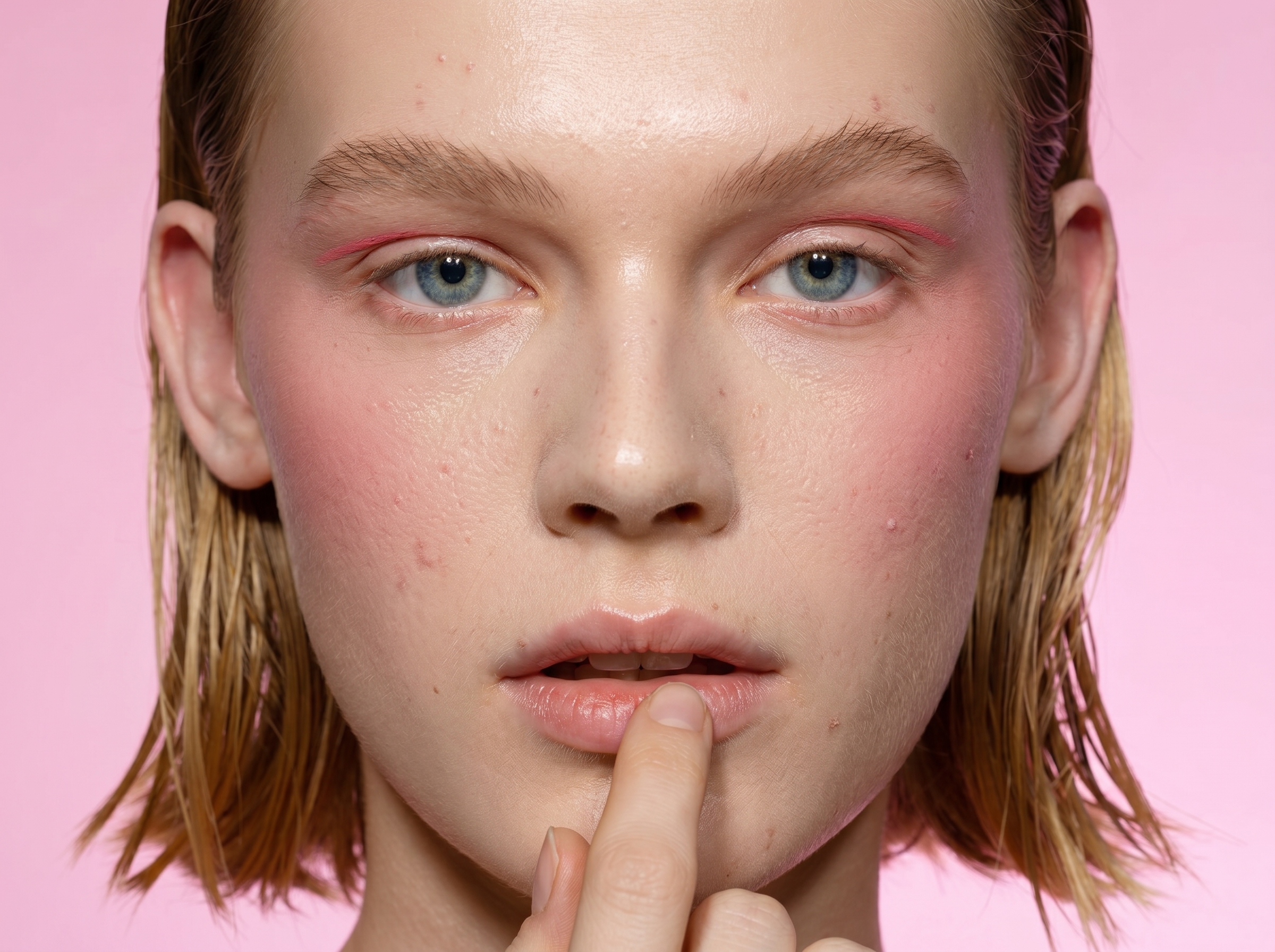
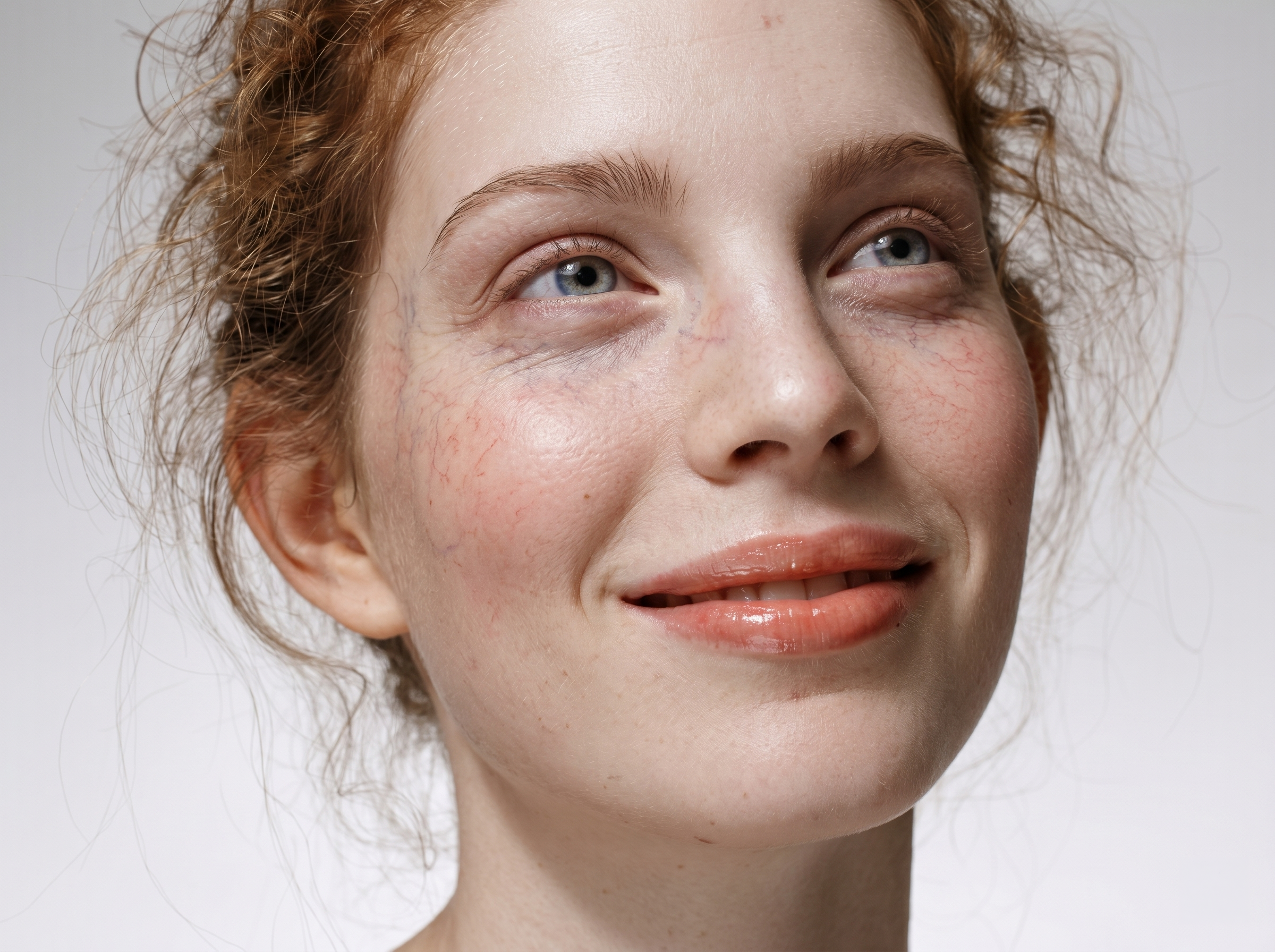
Heal automatically finds and removes pimples, acne and skin defects — on the face and across the whole body. Preserves natural texture: freckles, pores and moles stay in place. The result looks like work by a professional retoucher, not an AI filter.

  • Seconds instead of 40 minutes by hand
  • Preserves skin texture and individuality
  • Works on portraits, groups and batch processing
Dodge & Burn

Professional
light in minutes.

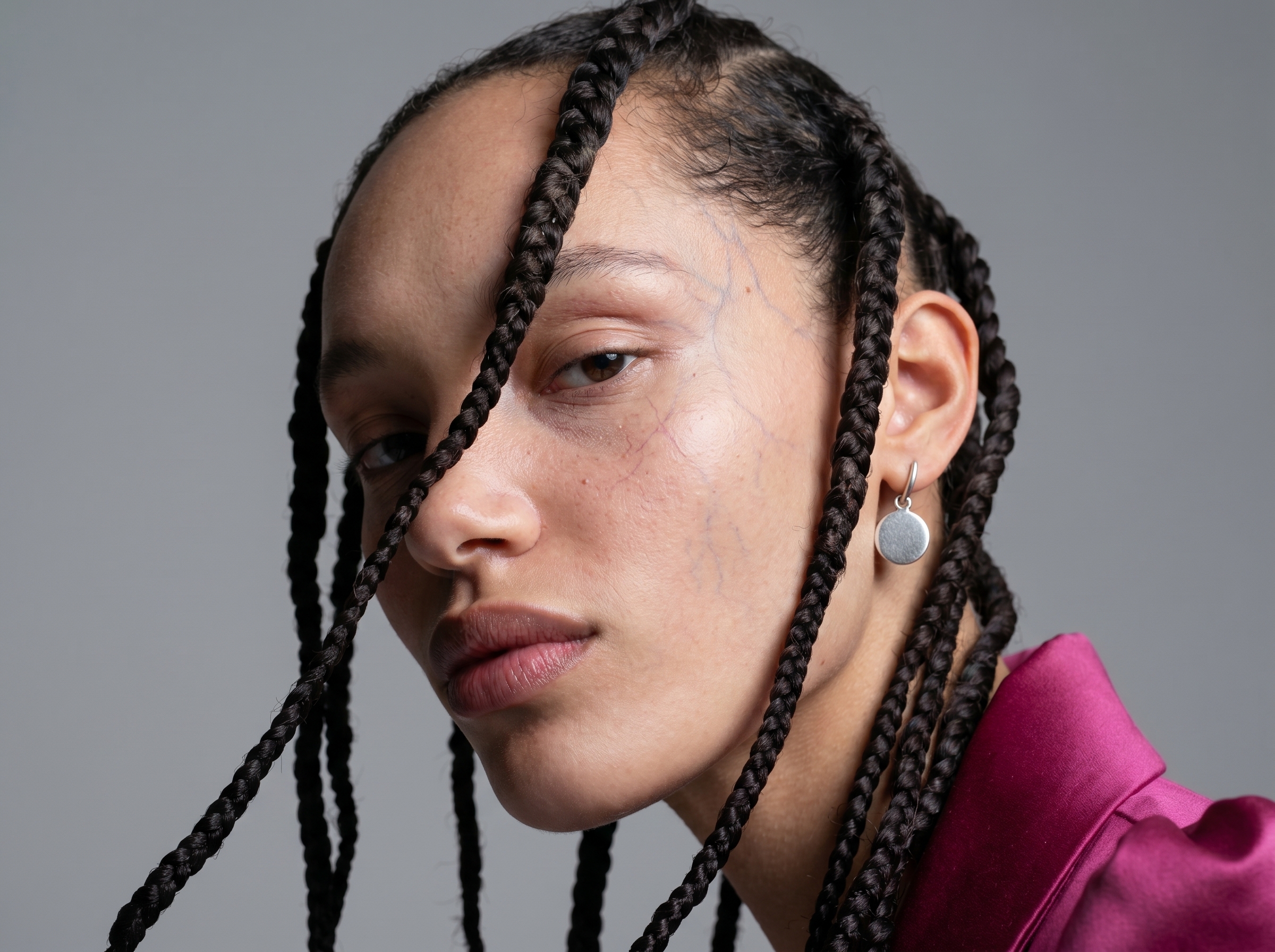
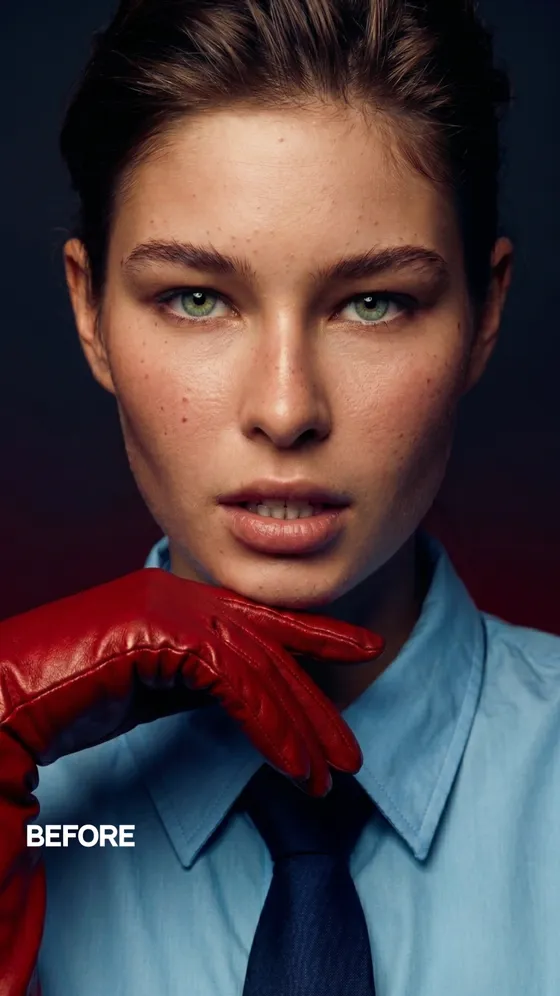
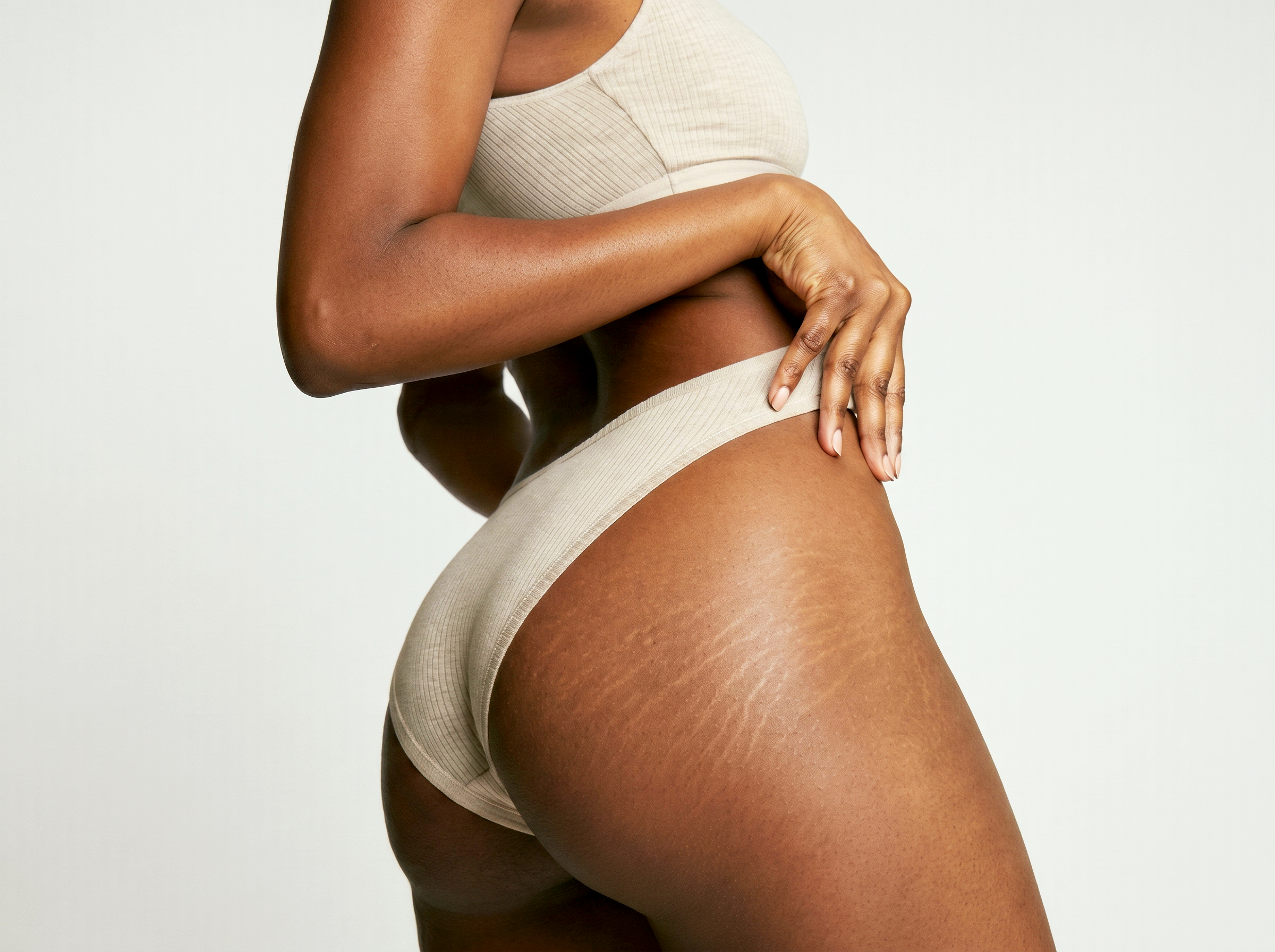
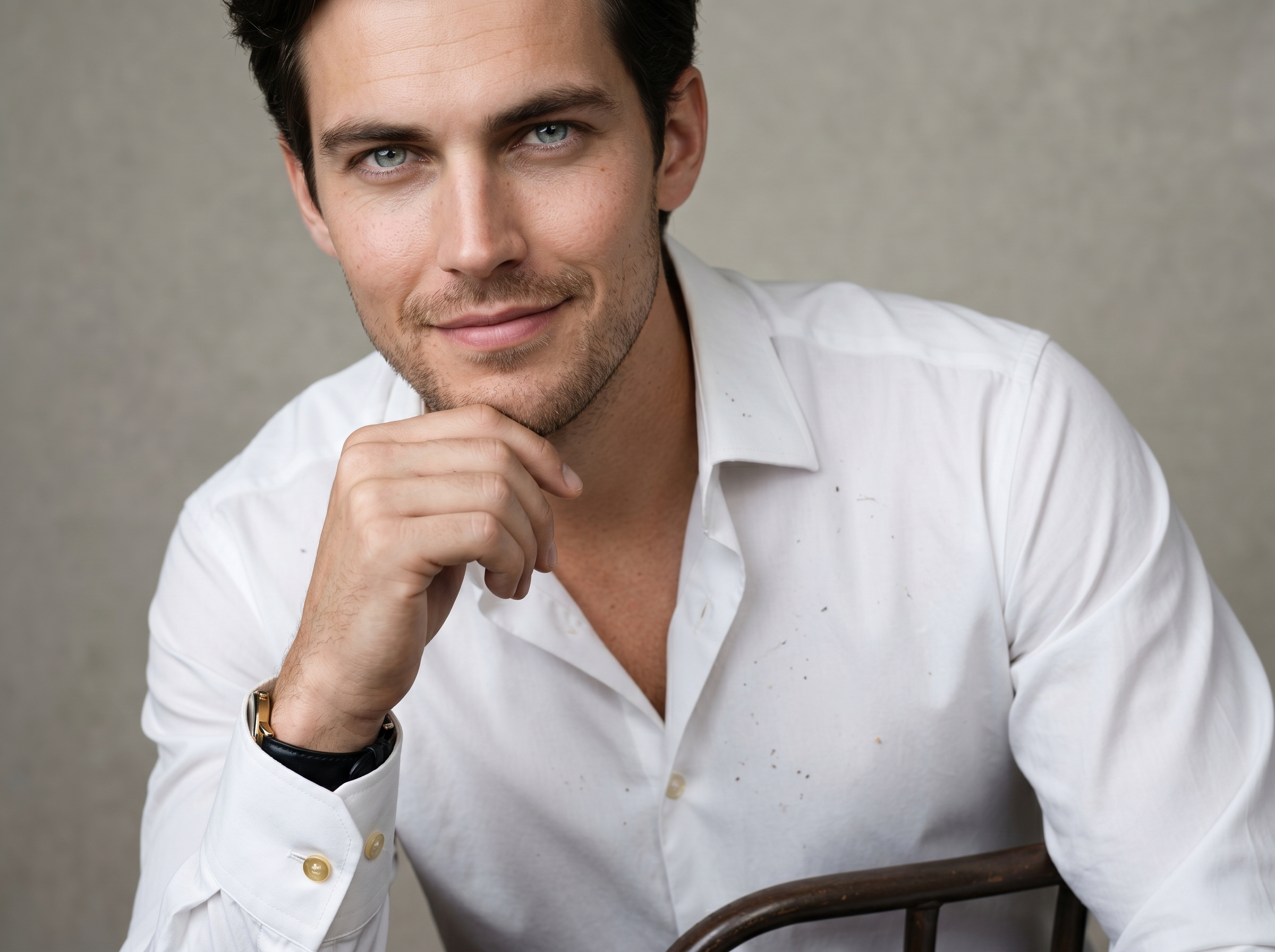
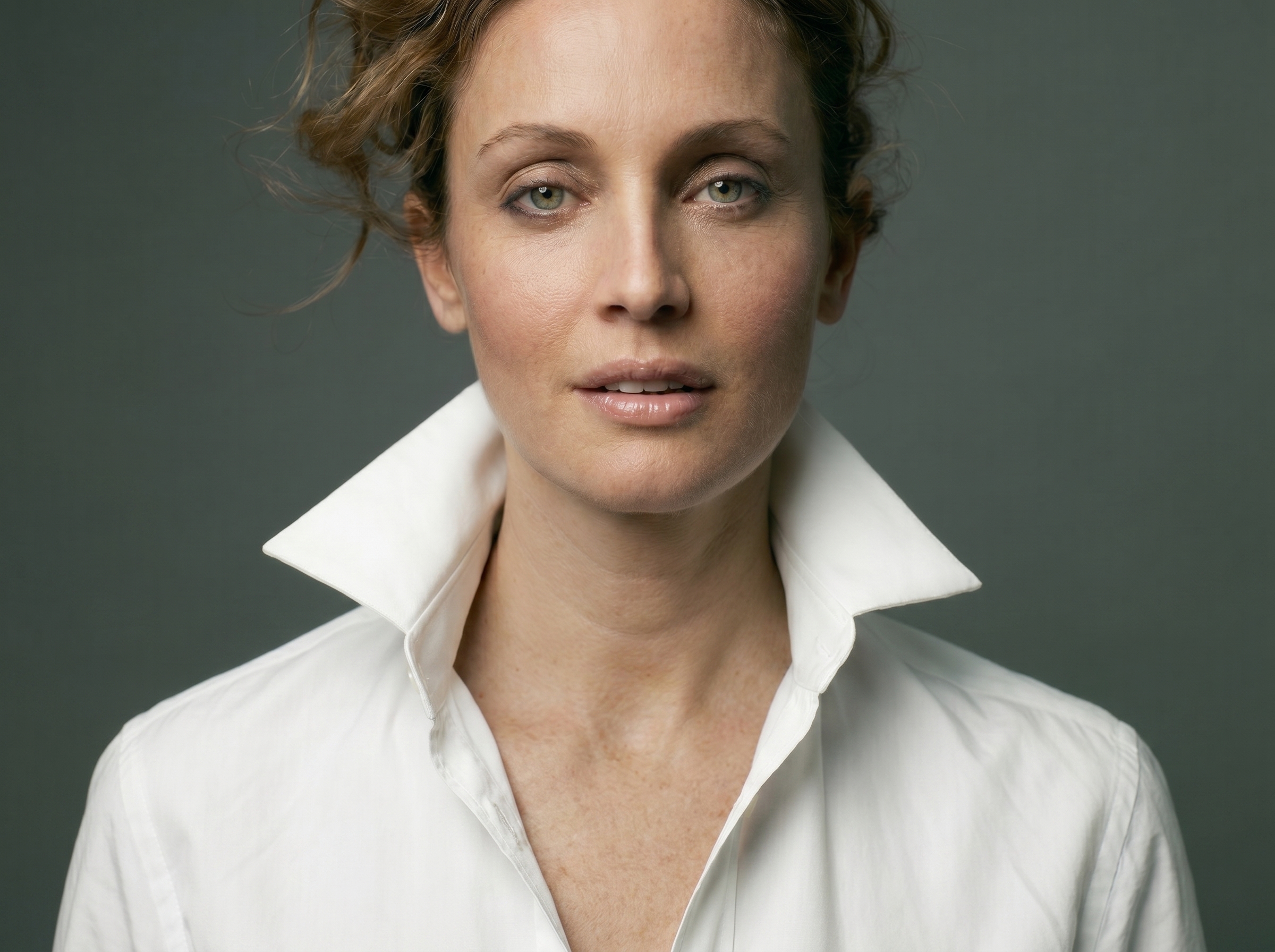
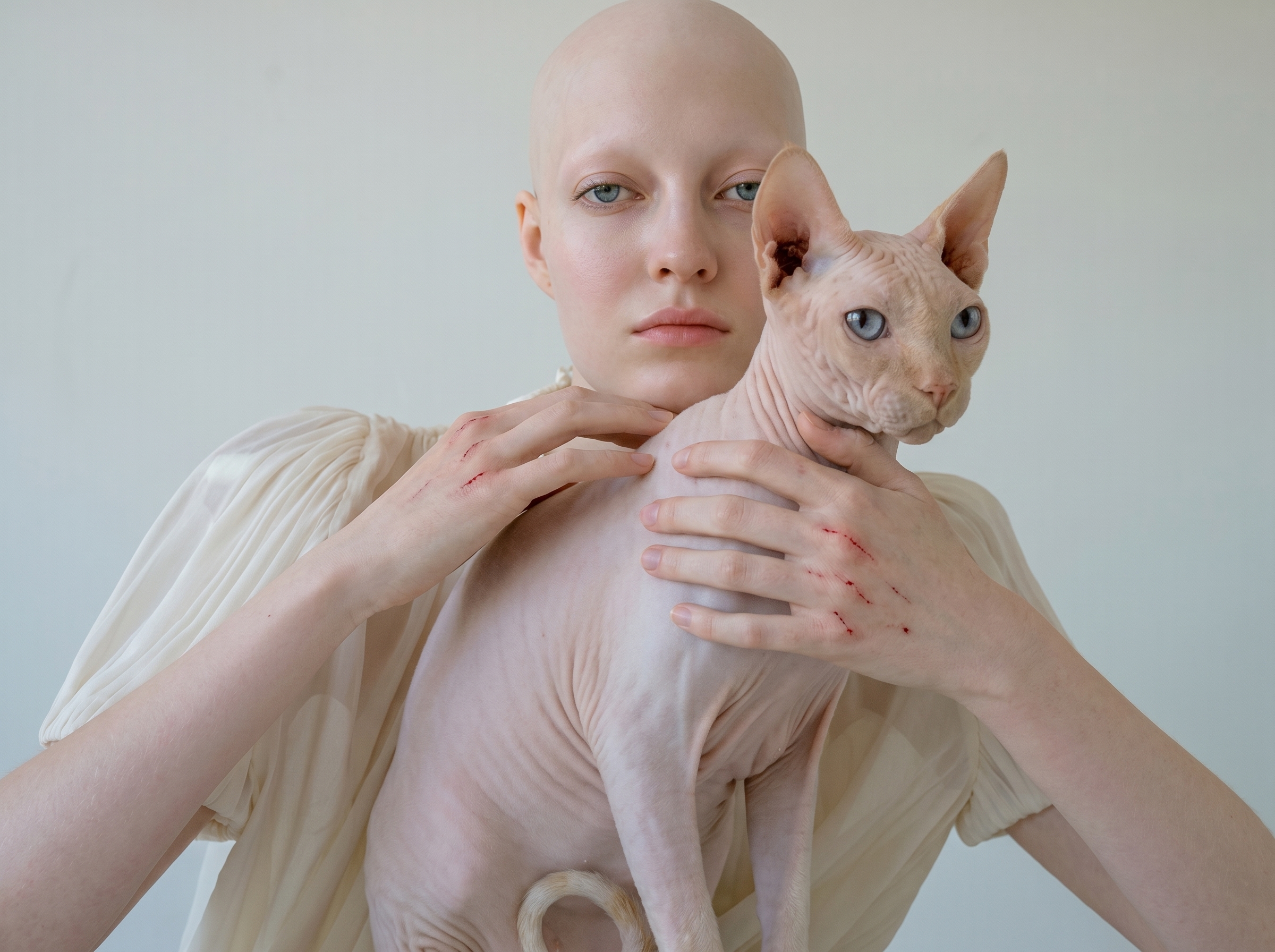
Dodge & Burn balances light and shadow on face and body while preserving natural transitions. What used to take a retoucher an hour is now ready in a couple of minutes — without losing your style.

  • Precise light/shadow map without hand-drawing
  • Flexible intensity — from light evening-out to deep sculpting
  • All edits in separate layers — full Photoshop control
Portrait Volumes

The volume
that was missing.

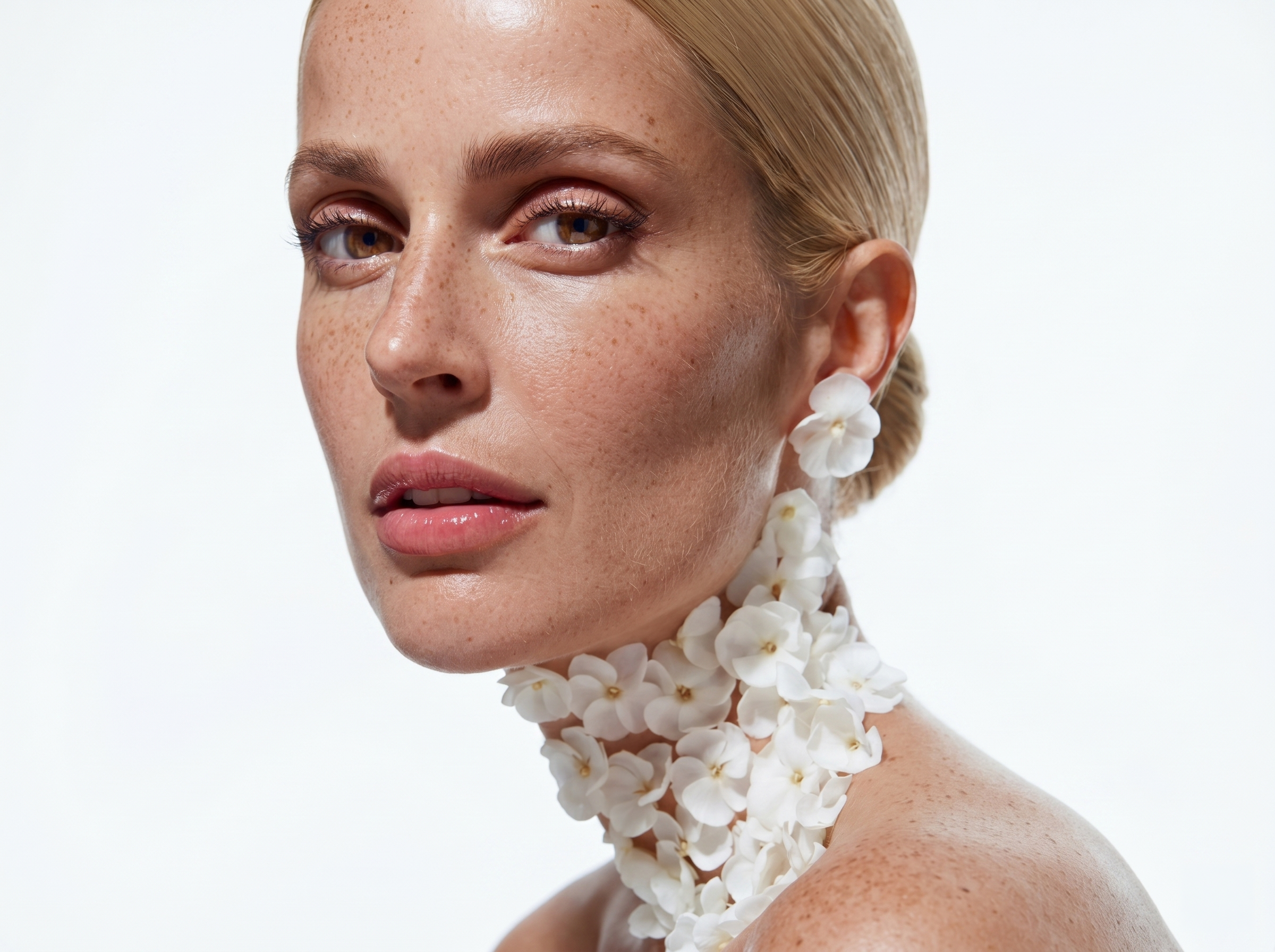
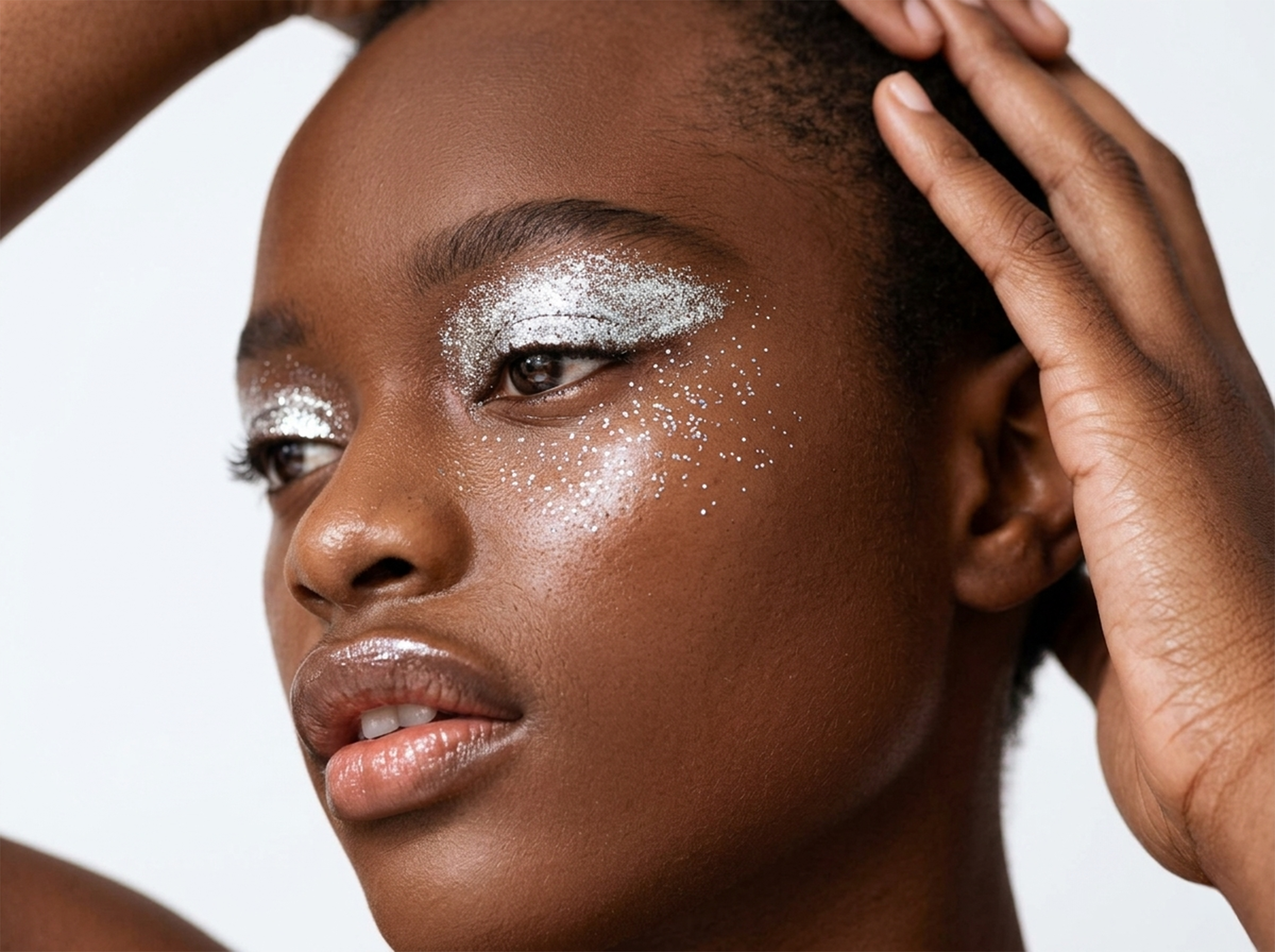
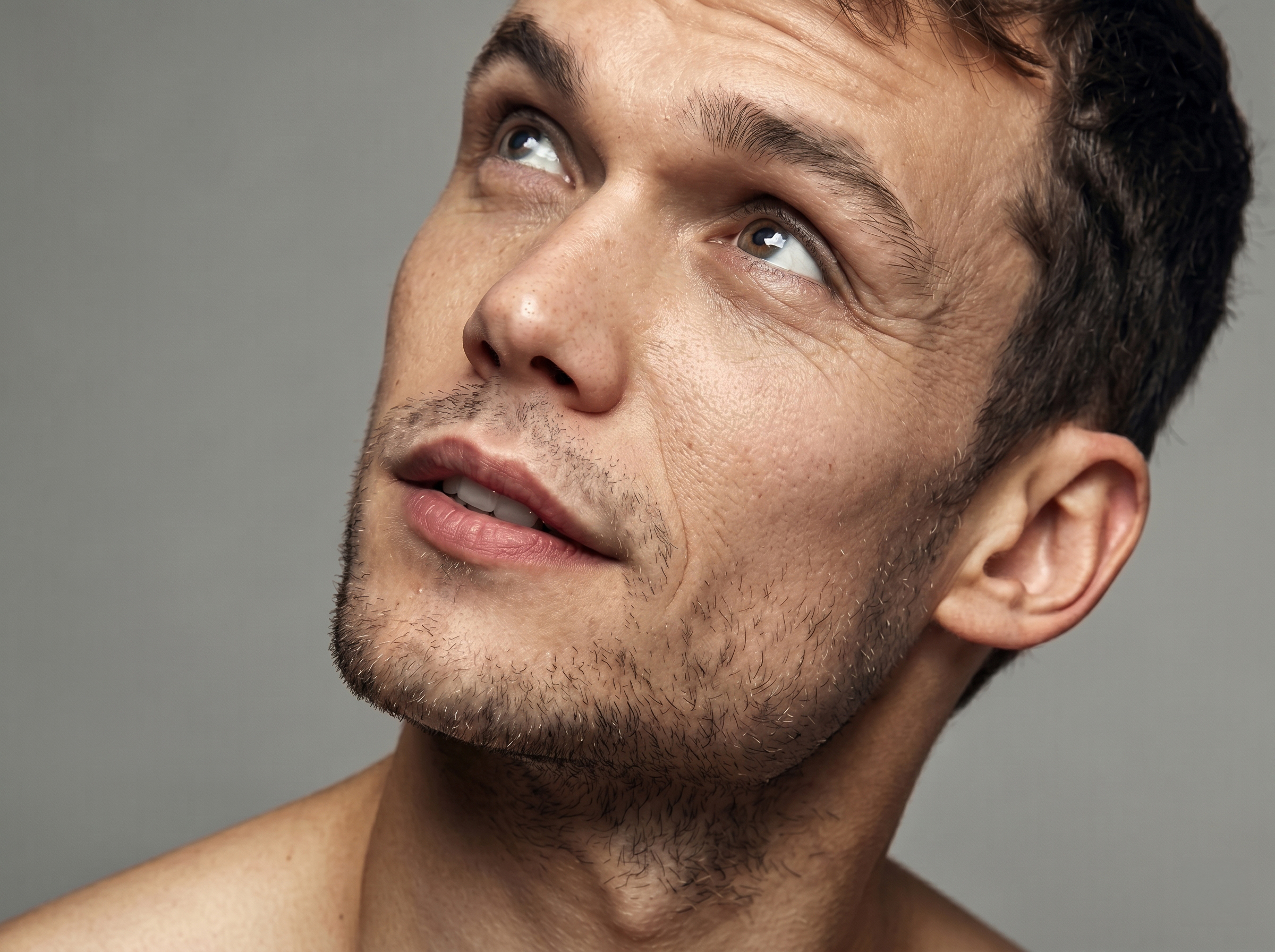
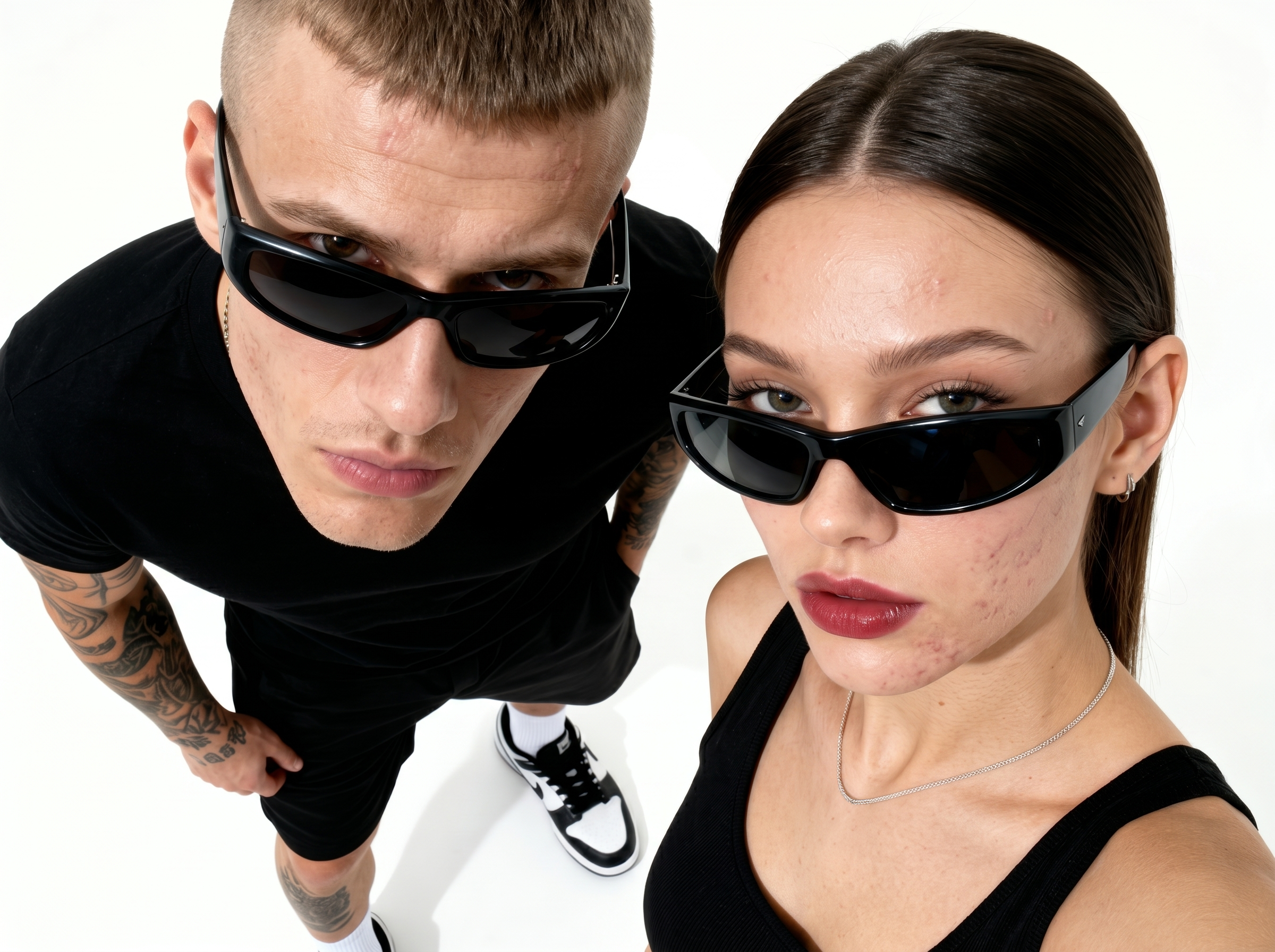
Portrait Volumes restores shape and dimension to the face when the light was flat. Saves shots taken in studio and reportage without re-shoots or complex compositing.

  • Restores facial sculpture in one click
  • Preserves natural features — no plastic mask
  • Compatible with Heal and Dodge & Burn in one session
img

Drag your photo here or click to upload

JPG or PNG, up to 20 MB

Note: Images are resized for faster browser work. Our plugins process photos of any size without quality loss.

By uploading, you agree to our
privacy policy

Three steps. One result.

01

Install the plugin

2 minutes

02

Open

Choose Heal, Dodge & Burn or Portrait Volumes

03

Press Apply

AI processes in seconds

One solution. Zero compromises.

Everything a photographer needs — in one plugin at a fair price.

Your photos are safe

All operations are local, your photos never leave. Unlimited batch processing — no queues

Savings

$10/month vs $145+ for a single Retouch4me plugin — three plugins for the price of a coffee. (As of April 2026. Source: retouch4me.com)

Natural result

Plugins preserve skin texture, freckles and moles — no "plastic mask" effect

Smart algorithms

Automatically detects gender and applies a different retouching approach

Non-destructive retouching

Adjust intensity inside the plugin or manage layers in Photoshop — full control without losing the original.

Unlimited batch processing

Process any content locally — no cloud, no moderation, no limits

Any file size

Works with any format (RAW, JPEG, TIFF) and any file size

Cross-platform

Plugins for macOS and Windows

Universal license

Individuals and businesses — same fair-price terms.

Photographers already save hours every day.

★★★★★

Retouching a single photo used to take up to half an hour. Now I run batch processing on 500 wedding shots and do other things. Result is excellent, and most importantly — skin texture stays natural. The time savings are unbelievable!

Maria K.
Wedding photographer
★★★★★

I had a task: quickly process portraits of 200 employees for a corporate site. Retouch4me handled it in a couple of hours. Doing it manually would have taken at least a week. Quality is top-notch, client is happy.

Carlos M.
Commercial photographer
★★★★★

I work with glossy magazines and was always skeptical of AI. But this plugin won me over. Dodge & Burn works so subtly that final tweaks now take me 5 minutes instead of two hours. It's a breakthrough.

Sophie L.
Retoucher
★★★★★

Fabric is my life-saver. Wrinkles on clothes and textile backgrounds disappear in seconds. Used to struggle with every fold in Photoshop, now it's pure magic. Paid off after the first order.

Hans T.
Product photographer
★★★★★

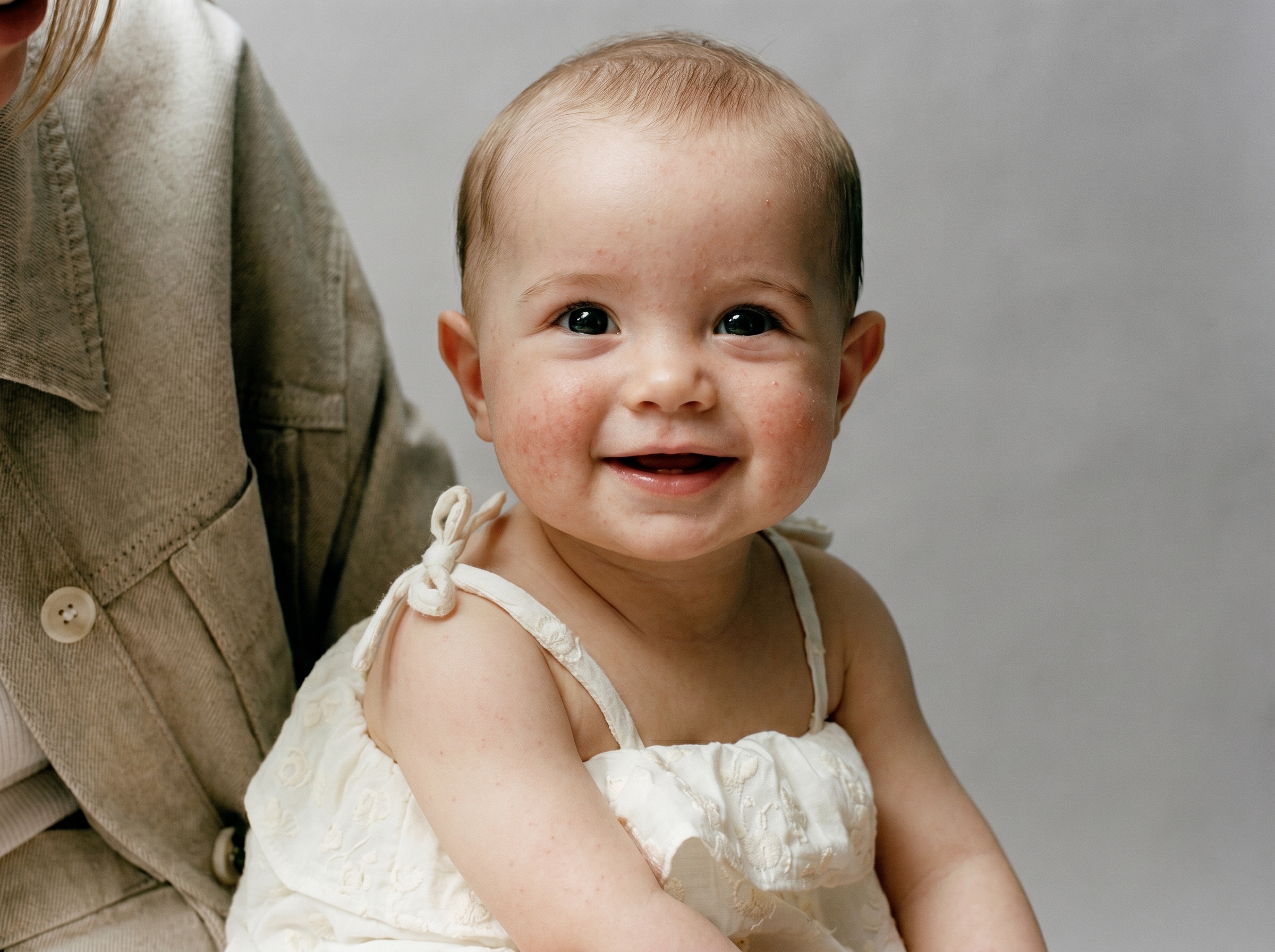
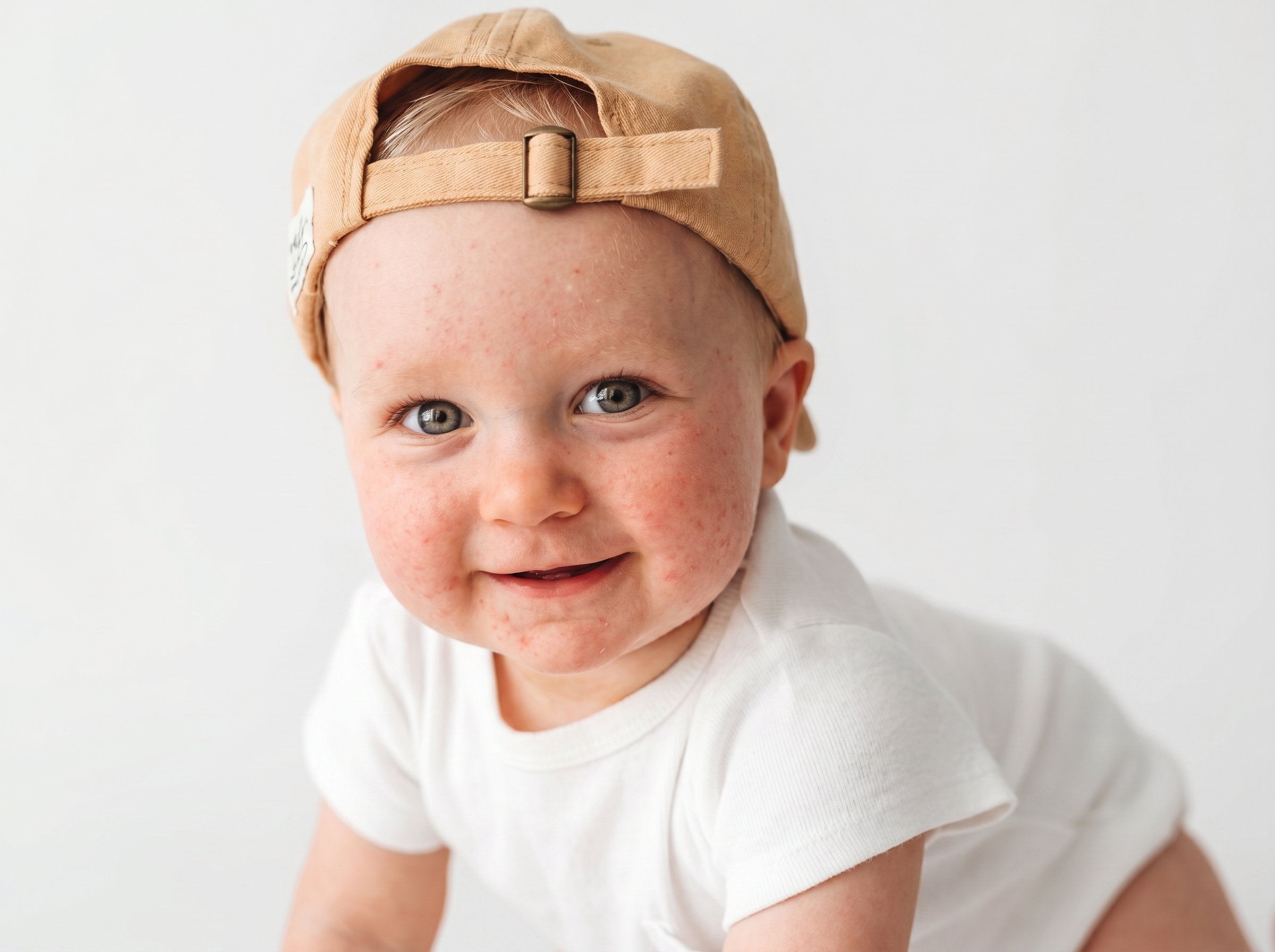
Delicate model skin is my weak spot. Especially child portraits: gently remove flaking while keeping naturalness, without turning the child into a doll. This plugin saves hours and makes post-processing predictable.

Lukas F.
Photographer
★★★★★

The before/after slider on the site hooked me. Tried it on my shots — bought within an hour. The first month covered the annual subscription: one wedding order and the plugin paid for itself.

Anna R.
Wedding photographer
★★★★★

Portrait Volumes brings back volume where the light was flat. Saves shots that used to go in the trash. For beauty retouching — a must-have.

Dmitry V.
Beauty retoucher
★★★★★

I had a task: quickly process portraits of 200 employees for a corporate site. Retouch4me handled it in a couple of hours. Doing it manually would have taken at least a week. Quality is top-notch, client is happy.

Carlos M.
Commercial photographer
★★★★★

I work with glossy magazines and was always skeptical of AI. But this plugin won me over. Dodge & Burn works so subtly that final tweaks now take me 5 minutes instead of two hours. It's a breakthrough.

Sophie L.
Retoucher
★★★★★

Fabric is my life-saver. Wrinkles on clothes and textile backgrounds disappear in seconds. Used to struggle with every fold in Photoshop, now it's pure magic. Paid off after the first order.

Hans T.
Product photographer
★★★★★

Delicate model skin is my weak spot. Especially child portraits: gently remove flaking while keeping naturalness, without turning the child into a doll. This plugin saves hours and makes post-processing predictable.

Lukas F.
Photographer
★★★★★

The before/after slider on the site hooked me. Tried it on my shots — bought within an hour. The first month covered the annual subscription: one wedding order and the plugin paid for itself.

Anna R.
Wedding photographer
★★★★★

Portrait Volumes brings back volume where the light was flat. Saves shots that used to go in the trash. For beauty retouching — a must-have.

Dmitry V.
Beauty retoucher
★★★★★

Retouching a single photo used to take up to half an hour. Now I run batch processing on 500 wedding shots and do other things. Result is excellent, and most importantly — skin texture stays natural. The time savings are unbelievable!

Maria K.
Wedding photographer
★★★★★

Fabric is my life-saver. Wrinkles on clothes and textile backgrounds disappear in seconds. Used to struggle with every fold in Photoshop, now it's pure magic. Paid off after the first order.

Hans T.
Product photographer
★★★★★

Delicate model skin is my weak spot. Especially child portraits: gently remove flaking while keeping naturalness, without turning the child into a doll. This plugin saves hours and makes post-processing predictable.

Lukas F.
Photographer
★★★★★

The before/after slider on the site hooked me. Tried it on my shots — bought within an hour. The first month covered the annual subscription: one wedding order and the plugin paid for itself.

Anna R.
Wedding photographer
★★★★★

Portrait Volumes brings back volume where the light was flat. Saves shots that used to go in the trash. For beauty retouching — a must-have.

Dmitry V.
Beauty retoucher
★★★★★

Retouching a single photo used to take up to half an hour. Now I run batch processing on 500 wedding shots and do other things. Result is excellent, and most importantly — skin texture stays natural. The time savings are unbelievable!

Maria K.
Wedding photographer
★★★★★

I had a task: quickly process portraits of 200 employees for a corporate site. Retouch4me handled it in a couple of hours. Doing it manually would have taken at least a week. Quality is top-notch, client is happy.

Carlos M.
Commercial photographer
★★★★★

I work with glossy magazines and was always skeptical of AI. But this plugin won me over. Dodge & Burn works so subtly that final tweaks now take me 5 minutes instead of two hours. It's a breakthrough.

Sophie L.
Retoucher
★★★★★

The before/after slider on the site hooked me. Tried it on my shots — bought within an hour. The first month covered the annual subscription: one wedding order and the plugin paid for itself.

Anna R.
Wedding photographer
★★★★★

Portrait Volumes brings back volume where the light was flat. Saves shots that used to go in the trash. For beauty retouching — a must-have.

Dmitry V.
Beauty retoucher
★★★★★

Retouching a single photo used to take up to half an hour. Now I run batch processing on 500 wedding shots and do other things. Result is excellent, and most importantly — skin texture stays natural. The time savings are unbelievable!

Maria K.
Wedding photographer
★★★★★

I had a task: quickly process portraits of 200 employees for a corporate site. Retouch4me handled it in a couple of hours. Doing it manually would have taken at least a week. Quality is top-notch, client is happy.

Carlos M.
Commercial photographer
★★★★★

I work with glossy magazines and was always skeptical of AI. But this plugin won me over. Dodge & Burn works so subtly that final tweaks now take me 5 minutes instead of two hours. It's a breakthrough.

Sophie L.
Retoucher
★★★★★

Fabric is my life-saver. Wrinkles on clothes and textile backgrounds disappear in seconds. Used to struggle with every fold in Photoshop, now it's pure magic. Paid off after the first order.

Hans T.
Product photographer
★★★★★

Delicate model skin is my weak spot. Especially child portraits: gently remove flaking while keeping naturalness, without turning the child into a doll. This plugin saves hours and makes post-processing predictable.

Lukas F.
Photographer

Clean skin in a second

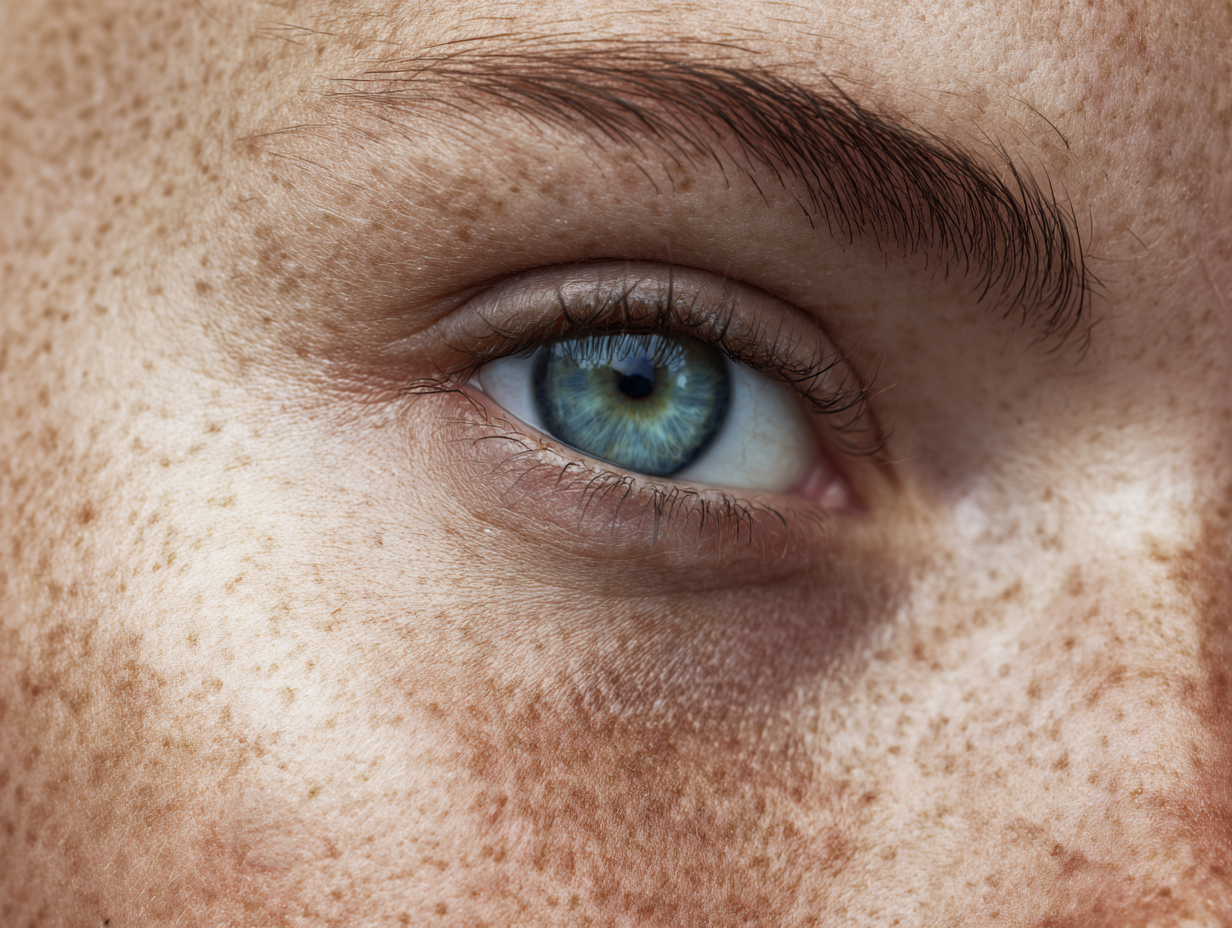
Automatically removes minor defects: pimples, post-acne marks, enlarged pores and roughness. Preserves skin texture, freckles and moles — no plastic effect. Perfect for portraits and wedding shots.

Perfect light and shadow without manual work.

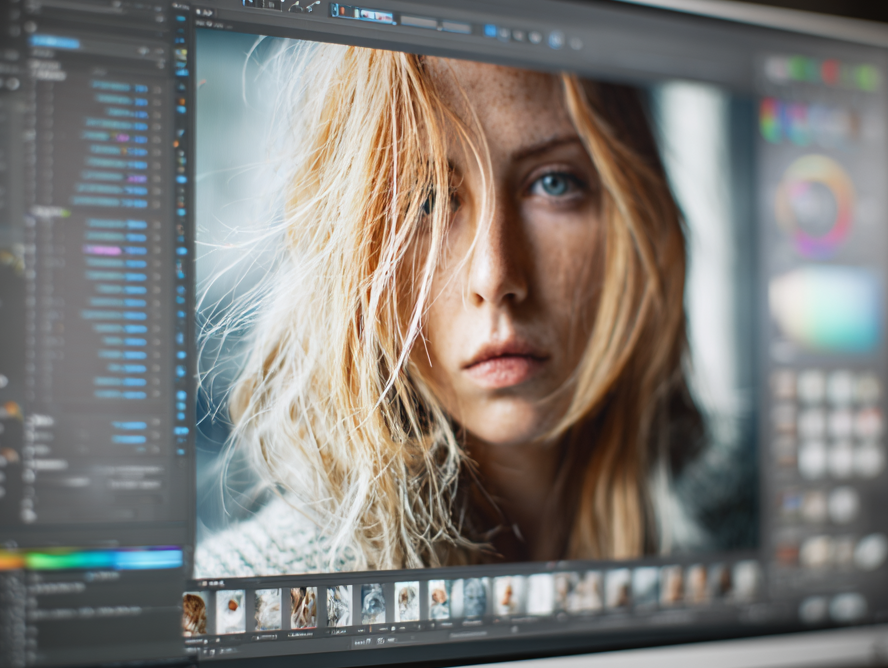
Smooths problem skin areas, removes ugly shadows and emphasizes highlights. Works like a pro retoucher: adds volume, depth and expression — without dozens of Photoshop layers.

3D facial volume in one click.

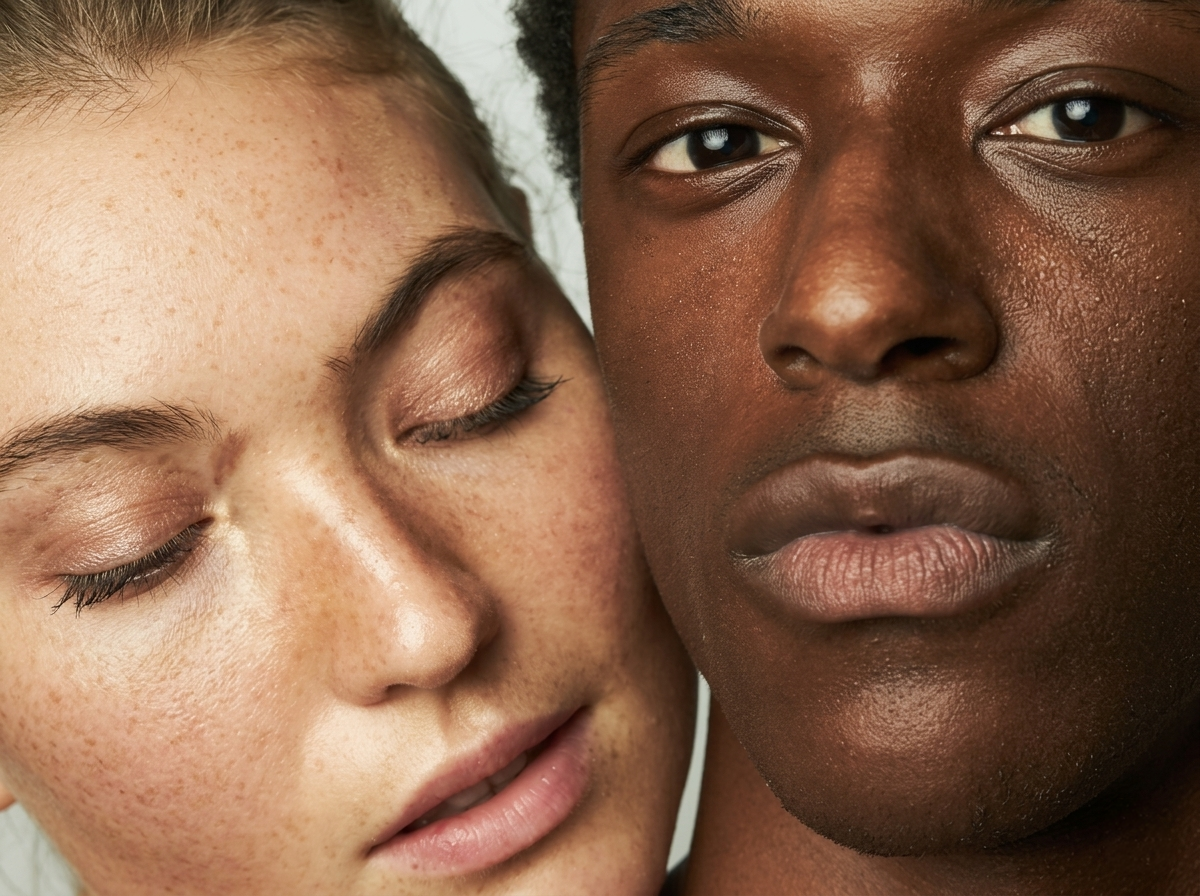
Adds depth and dimension to a portrait through smart lightening and darkening of different image zones. Highlights cheekbones, forehead, chin — the face looks alive, three-dimensional and professionally retouched.

One plan. All features.

No hidden fees. No limits.

Premium: 3 in 1
$10 /mo

or $48/year — 20% off

  • Heal + Dodge & Burn + Portrait Volumes
  • Photoshop plugins
  • Desktop app
  • Unlimited local processing*
  • Unlimited batch processing
  • Commercial use
  • 24/7 support
Try free – 7 days

Cancel anytime. No credit card required.

Retouch4me Photo Pack: from $116 for the plugin set
Evoto: from $0.10/photo, from $20/mo
HappyIn.ai: $10/mo — local, unlimited*
(As of April 2026. Source: retouch4me.com, evoto.ai)

Frequently asked questions.

No. All processing happens locally on your computer. The plugin does not transmit or upload your files to our or third-party servers. Even license verification only sends an anonymous identifier. Your client photos, including RAW and TIFF, stay exclusively with you. No leaks, no cloud — just your privacy.
Many times cheaper, same high-quality result, all three plugins in one subscription, active English-language support and regular updates.
Yes. The plugins work inside Photoshop with the already-open image, so there are no size or format limits — anything Photoshop can open is processed.
Yes, the license includes commercial use with no limit on the number of orders.
One click in your account. The subscription doesn't auto-renew after cancellation, access stays until the end of the paid period.
From Photoshop CC 2021 to the latest, including Apple Silicon natively.
Windows 10/11 and macOS 12+. Apple Silicon — natively, without Rosetta.
The algorithms are trained on thousands of professional shots and handle complex textures — hair, fabrics, lace — carefully. If the result needs tweaking, everything is on separate layers and easy to fix manually.
Updates are included in the subscription — you always work with the latest version, no extra payments.
Minimum requirements are low, no GPU required. On a modern laptop a frame is processed in a couple of seconds.
Yes. 7 days of full functionality with no limits. No card, no auto-renewal.
Yes, we offer team licenses with a discount. Email support@happyin.ai — we'll put together an offer for your studio.

Still have questions?
Write to us.

We answer within a few hours.
Or just start the free trial —
everything will become clear.

We usually reply within 24 hours

Start saving hours
and money today.

7 days free.

Try for free